Settings
All settings parameters for Pinell north are available via the System settings menu.
Settings included in the Setup Wizard are indicated with ’wizard’:
•
Equaliser
•
Streaming audio quality
•
Network - wizard
•
Time/Date – wizard
•
Inactive Standby
•
Language
•
Factory Reset
•
Software update
•
Setup Wizard
•
Info
•
Backlight
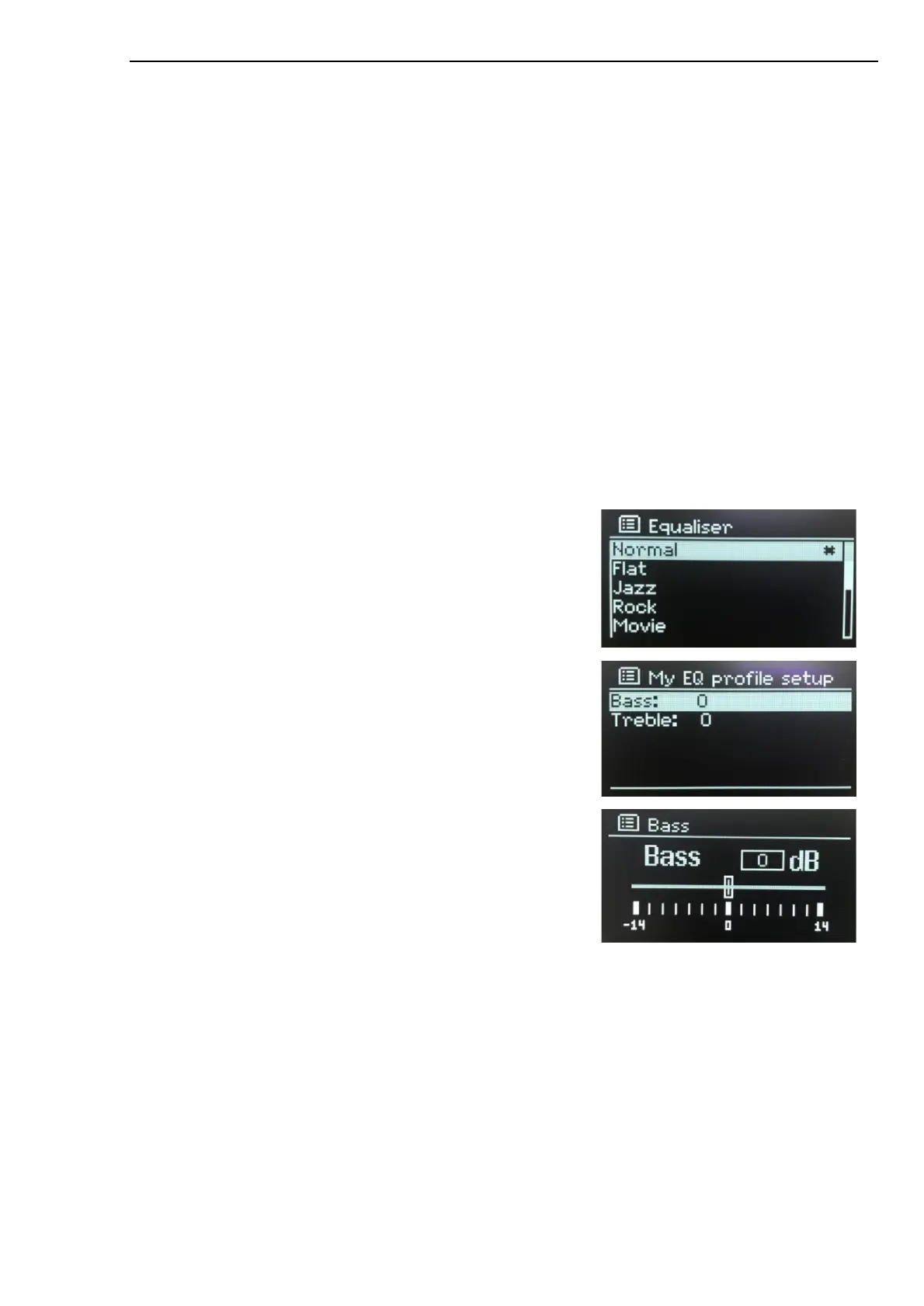
Equaliser
Press MENU > Main Menu > System settings > Equaliser
Choose from a variety of predefined settings.
The last option ‘My EQ profile setup’ allows you to define your own
settings, with custom bass and treble.
Streaming audio quality
•
Low quality
•
Normal quality
•
High quality
Select the required level of audio quality for the available streaming services. The actual bit rate for each
level depends on the service being used. The currently set quality level is indicated with an asterisk.



 To Next Page