Getting started/setup
Pinell north is a sophisticated multi-source media player. To simplify the set-up process as much as possible
when Pinell north is first started a setup wizard helps take you through the basic steps to enable connections
with the different audio sources.
The various listening modes have different requirements:
•
Internet Radio, Podcasts and Spotify Connect require a Wi-Fi connection
•
DAB/FM requires a DAB/FM broadcast signal via the built-in antenna
•
Bluetooth requires a Bluetooth capable smart device
To start Pinell north, connect the unit to a suitable power source using the power supply provided. The unit
starts up (there may be a few seconds delay before the display is initialized).
After showing a Starting screen Pinell north will normally enter the last used listening mode. The first time
Pinell north is started (or after being reset to factory settings) the setup wizard is launched automatically.
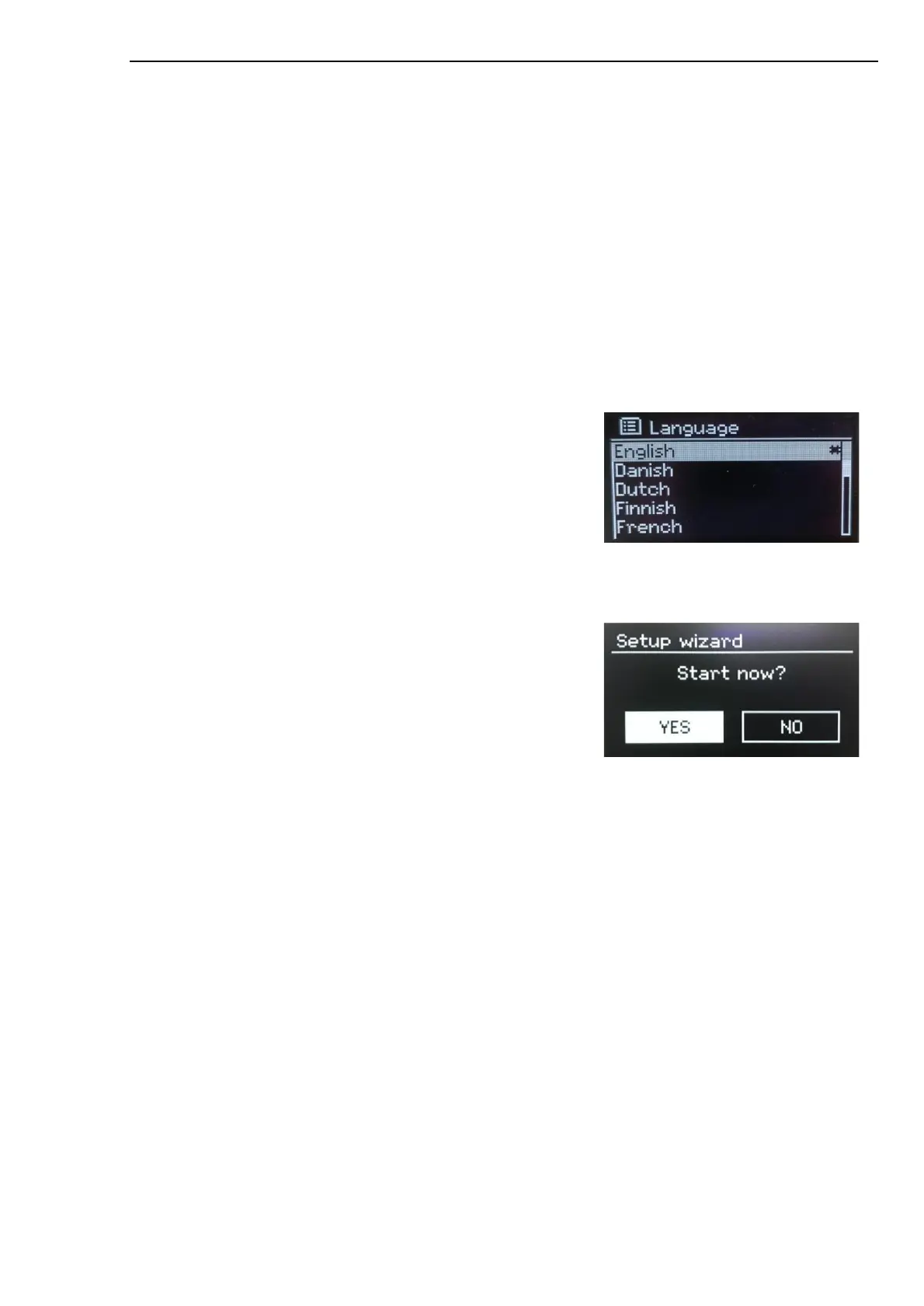
Language
When it is turned on for the first time, it will display the language
setting and enter the Setup wizard for further settings. Select your
language and press SELECT.
Setup wizard
Configure the date/time and network settings through the setup
wizard. Once this has finished, the system is ready to use in most
modes.
Select YES to start the setup wizard.
If you choose NO, a second screen asks if you would like to run
the wizard next time Pinell north is started. The system then starts
without configuring time/date and network settings and enters the
Main Menu.
Note: To change these settings later, press MENU > Main Menu > System settings > and select the
required settings option(s).
To run the setup wizard again, press MENU > Main Menu > System settings > Setup wizard.
The Network settings can be reset later manually running the Network wizard, press MENU >
Main Menu > System settings > Network > Network wizard.
Note: If power is removed while the wizard is in progress, the wizard will run again next time Pinell north
is started.



 To Next Page