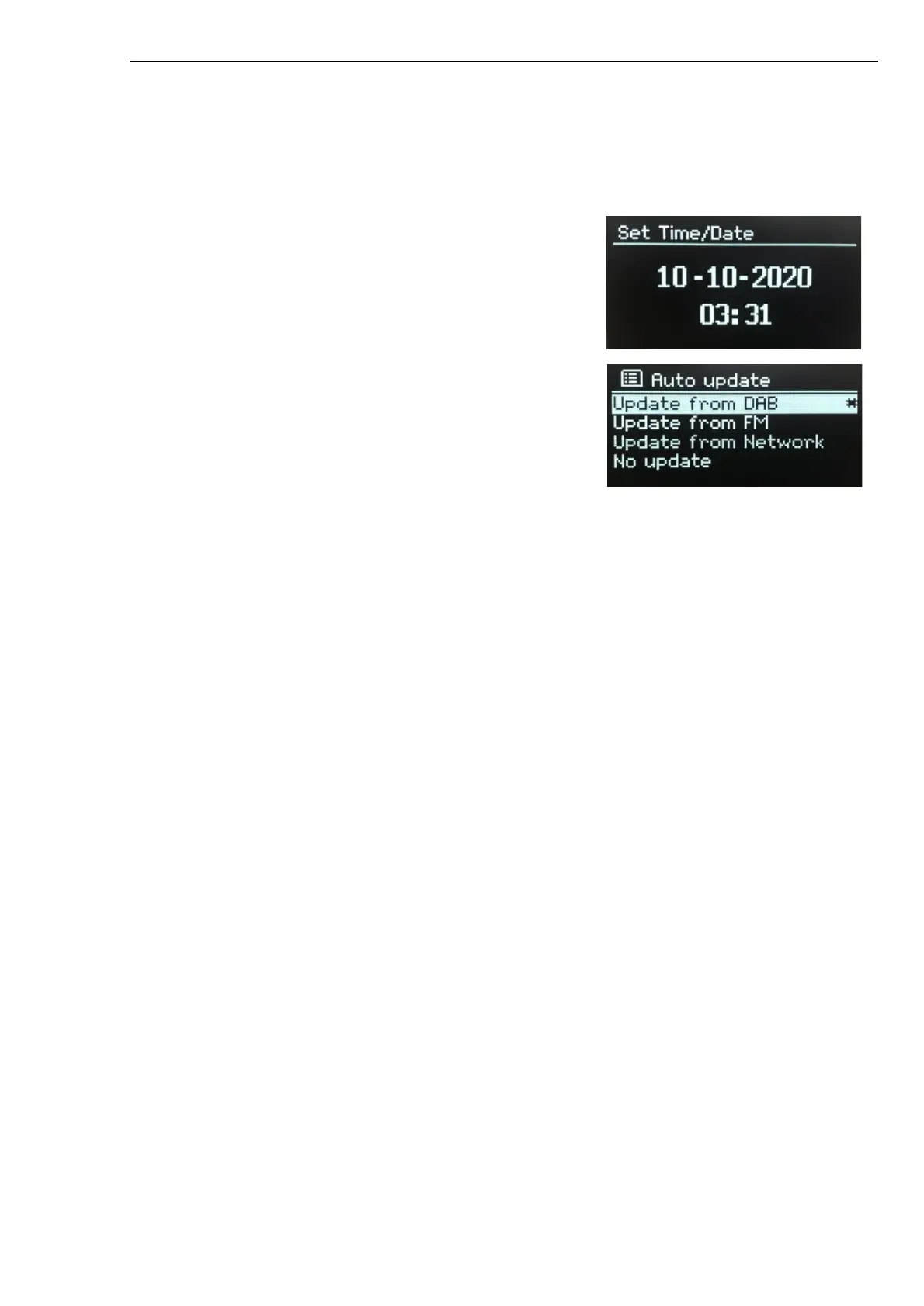
Time/Date
•
Set Time/Date
•
Auto Update
•
Set Format
Set Time/Date (wizard)
The date and time are displayed as dd-mm-yyyy and hh:mm
AM/PM with the first value, dd, active (flashing). Adjust each value
with SELECT control.
Auto-update (wizard)
Auto-update works with data sent over DAB, FM or the Internet.
The clock is only updated when in a corresponding mode, so it is
best to select a mode you use regularly.
DAB and FM use time signals broadcast with radio transmissions.
Network uses a time signal sent from the Frontier Smart
Technologies Internet radio portal when in any network- connected
mode.
1.
Select Update from DAB, Update from FM, Update from Network or No update.
2.
If you are updating from the network, set your time zone.
3.
If your country uses daylight saving, the automatically updated time from the network may be
wrong by one hour. When daylight saving adjustments are in effect, such as British Summer
Time (BST), turn on the Daylight savings option to rectify this.
Note that if you are updating the time from DAB or FM, the Daylight savings option has no effect on the
clock’s time.
Set format (wizard)
Allows you to change between 12- and 24-hour display.
Inactive Standby
This feature enables your radio to switch to standby mode by itself after a defined time.
Press MENU > Main Menu > System settings > Inactive Standby > select from Off, 2, 4, 5 or 6 hours
Language
The default language is English. To change, press MENU > Main Menu > System settings > Language >
then select your language.
Factory reset
A factory reset resets all user settings to default values, so time/date, network configuration and presets
are lost. However, the radio’s current software version is maintained.
To perform a factory reset, press MENU > Main Menu > System settings > Factory reset;
Proceed? > Yes.



 To Next Page