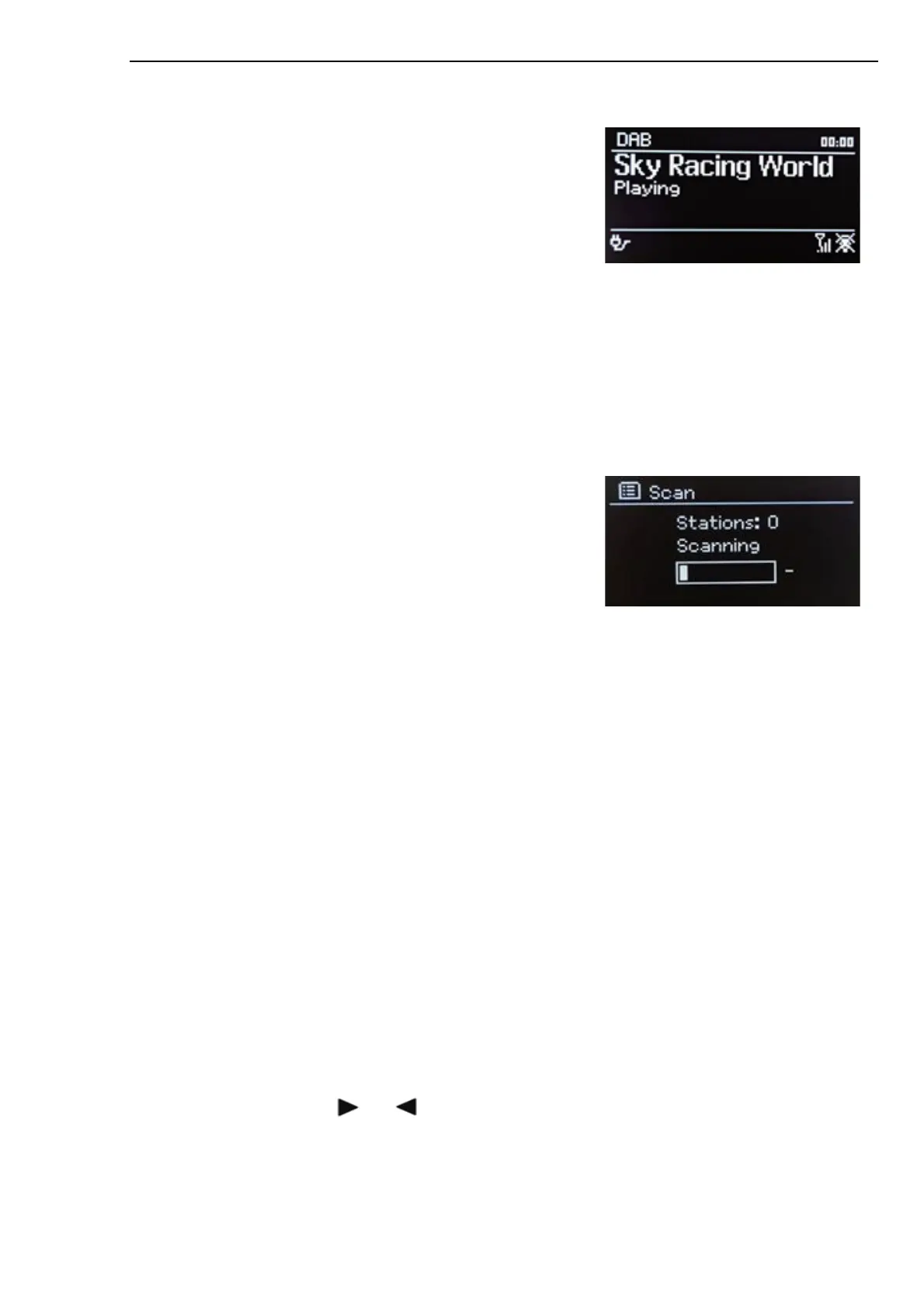
DAB Radio Mode
DAB radio mode receives DAB/DAB+ digital radio and displays
information about the station, stream and track playing.
To enter DAB mode, press MODE to cycle through the listening
modes until DAB Radio is displayed.
The DAB radio mode menu offers the following options:
• Station list
• Scan
• Manual tune (displays the signal strength for selected channel)
• Prune invalid
• DRC
• Station order
• Main menu
Station List
The first time you select DAB radio mode, or if the station list is
empty, Pinell north automatically performs a full scan for available
stations. You may also need to start a scan manually to update the
list of stations for one of the following reasons:
- Available stations change from time to time
- If reception was not good for the original scan (for example the antenna was not up), this may result
in an empty or incomplete list of available stations.
- If you have poor reception of some stations (burbling), you may wish to list only stations with good
signal strength.
A question mark before a station in a list indicates that the station is currently unavailable. Depending on
the cause of the loss of signal this may be only temporary.
Stations that are unlikely to be available again (for example you have moved out of the broadcast range of
a station), can be removed from the station list.
Scan for stations
To start a scan manually, press MENU > Scan
Once the scan is complete, the radio shows a list of available stations.
The Manual tune menu option allows the user to select a particular channel and display the signal strength
for that channel.
Remove stations from list
To remove stations that are listed but unavailable, press MENU > Prune invalid
Selecting stations
To listen to or change a station, turn SELECT, a list of stations from which you can select is presented.
Stations listed with a ‘?’ question mark in front of them are not available. Once selected, the station plays
and the screen shows ‘Now playing’ information about the station, track or show broadcast by the station.
Alternatively pressing either or , jumps to the stations up or down in the stations list.



 To Next Page