Network
•
Network wizard - wizard
•
PBC Wlan setup
•
View settings
•
Manual settings
•
NetRemote PIN setup
•
Network profile
•
Clear network settings
•
Keep network connected
Pinell north is compatible with all common network protocols and encryption methods, including Wi-Fi
Protected Setup (WPS).
To connect Pinell north to your network, you need:
•
A Wi-Fi wireless router, together with passphrase key, if set.
To select a network use either the Network wizard or Manual settings
Network wizard
This guides you through the necessary steps to join a network. This is also automatically run as part of the
Setup wizard. The screens and options presented depend on the type of network and network protection
used.
Selecting a network
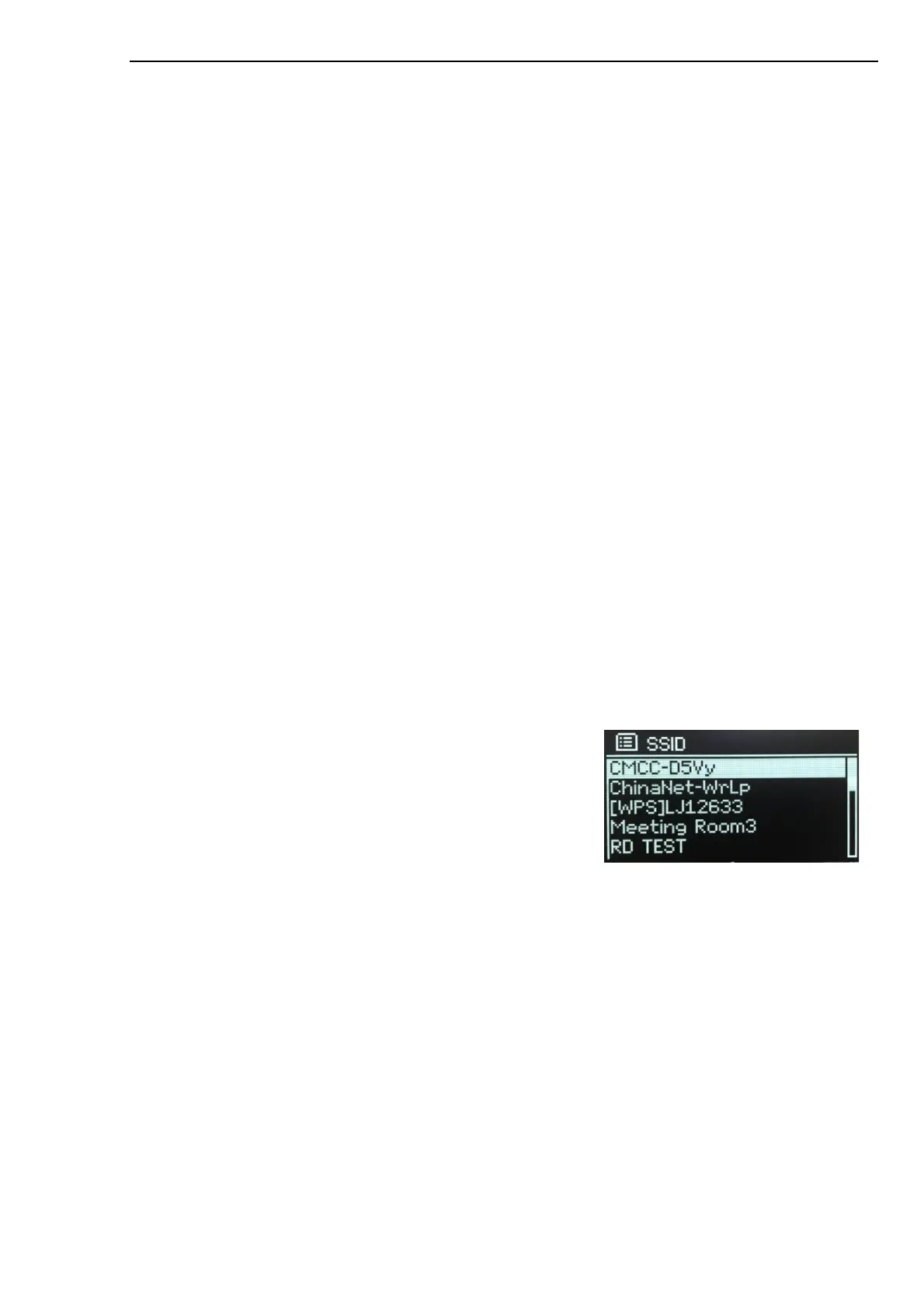
When the Network wizard is chosen Pinell north automatically scans for available wireless networks and
presents a list of SSID’s (Service Set IDentifier) for the networks.
Pinell north remembers login details for the last four wireless networks it has connected to and will
automatically connect to them when they are available. If connection to a network is temporarily lost,
Pinell north will automatically reconnect.
Wi-Fi network (SSID), select a network from the list.
Open network
If the network is open (non-encrypted), Pinell north connects, and no further details are required; see On
completion below.



 To Next Page