Software update
From time to time, Pinell may make software upgrades available with bug fixes and/or additional features.
You can either check manually or set Pinell north to check periodically automatically (this is the default). If
Pinell north detects that newer software is available, it asks if you want to go ahead with an update. If you
agree, the new software is then downloaded and installed. After a software upgrade, all user settings are
maintained.
CAUTION: Before starting a software upgrade, ensure that Pinell north is plugged into a stable mains
power connection. Disconnecting power during a software update may permanently damage
the unit.
To turn automatic checking on or off, select MENU > Main Menu > System Settings > Software update >
Auto-check setting.
Software update manually
To upload new software to the Pinell north unit manually, identify and note the IP address of the relevant
Pinell north unit (press MENU > Main Menu > System settings > Network > View settings > IP address)
On your computer
1.
Ensure the Wi-Fi interface of your computer or device is switched on.
2.
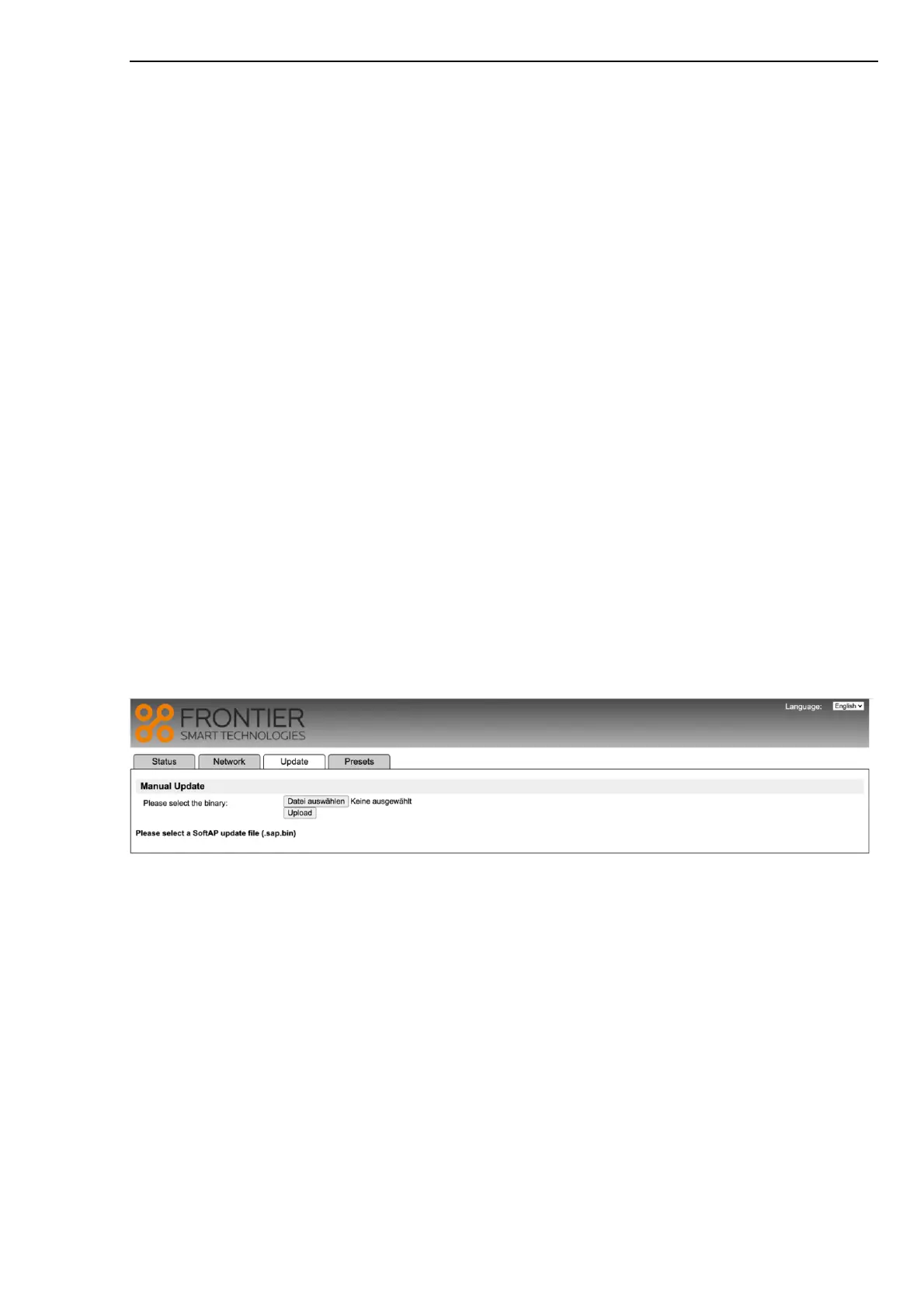
In a Web browser on the computer or device, navigate to the Pinell north Web configuration page
using the IP address identified above.
3.
The Pinell north Web Configuration page opens.
4.
Select the Update tab and browse to the appropriate file location. Select the required software file
(*.sap.bin) and click on the send button to upload the software file to the unit. The display presents
information on the progress of the software update.
5.
When the software upload is completed, the unit automatically reboots using the new software.
Setup wizard
This allows you to run the Setup wizard at any time. The wizard guides you through the essential settings in
the following order:
1.
Language
2.
Date/Time – Set format
3.
Auto update – select clock update source or No Update
4.
Set Time/Date (this step is only needed if the ‘No Update’ option is selected in Auto update)
5.
Network wizard automatically runs
Once you are connected to a network the wizard is completed.



 To Next Page