EasyManua.ls Logo

Pioneer PD-M430 - Confirm Supplied Accessories; PUT BATTERIES into the REMOTE CONTROL UNIT (PD-M435 Only); Before Operating the Player

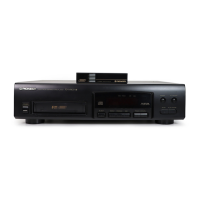
Pioneer PD-M430
18 pages
Print Icon
To Next Page IconTo Next Page
To Previous Page IconTo Previous Page
Loading...
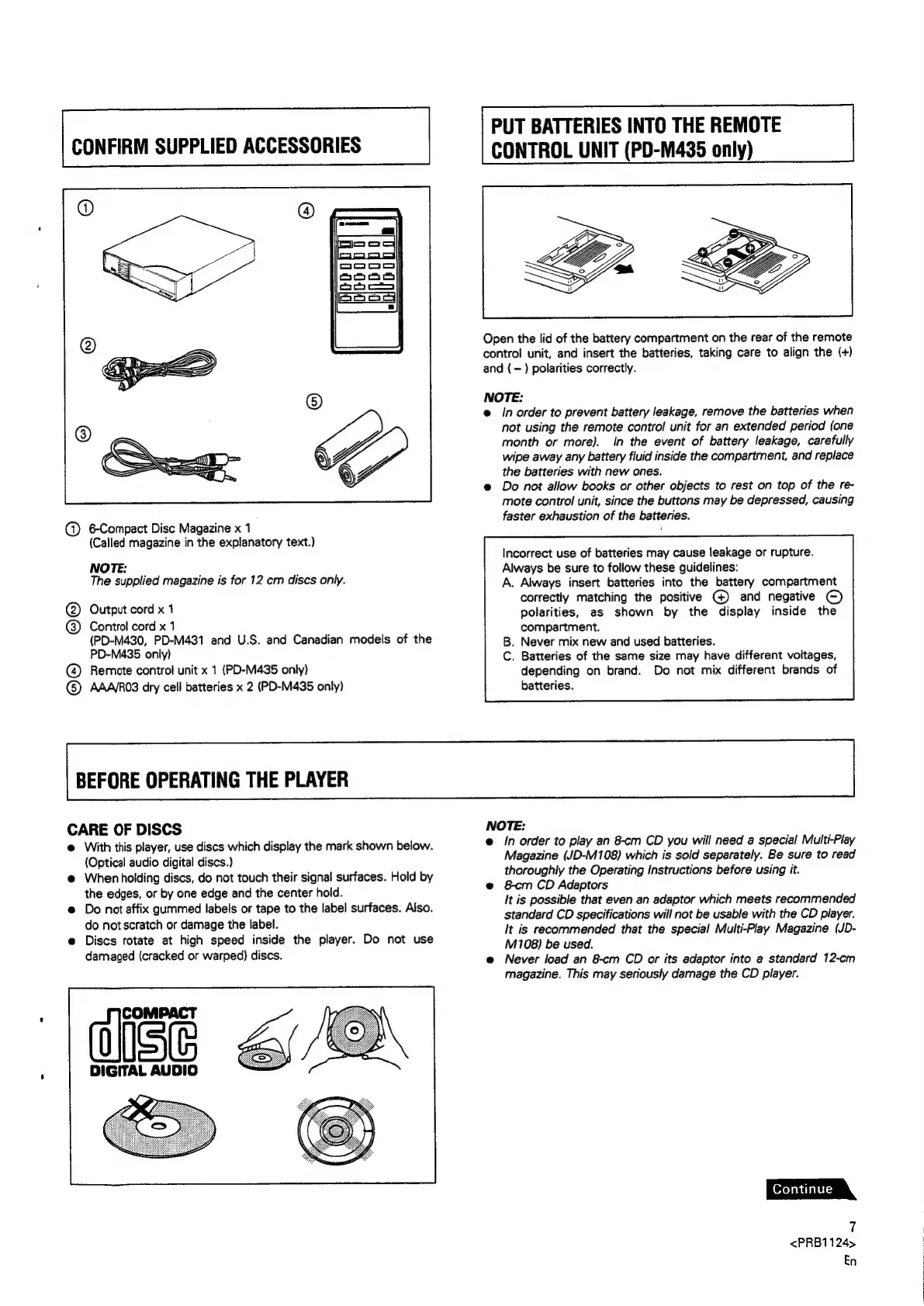
CONFIRM
SUPPLIED
ACCESSORIES
@
6Compact
Disc
Magazine
x
1
(Called
magazine
in
the
explanatory
text.)
NOTE:
The
supplied
magazine
is
for
12
cm
discs
only.
Output
cord
x
1
@
@)
Control
cord
x
1
(PD-M430,
PD-M431
and
U.S.
and
Canadian
models
of
the
PD-M435
only)
@
Remote
control
unit
x
1
(PD-M435
only)
G)
AAA\RO3
dry
cell
batteries
x
2
(PD-M435
only)
BEFORE
OPERATING
THE
PLAYER
PUT
BATTERIES
INTO
THE
REMOTE
CONTROL
UNIT
(PD-M435
only)
Open
the
lid
of
the
battery
compartment
on
the
rear
of
the
remote
contro!
unit,
and
insert
the
batteries,
taking
care
to
align
the
(+)
and
(-)
polarities
correctly.
NOTE:
e@
/n
order
to
prevent
battery
leakage,
remove
the
batteries
when
not
using
the
remote
control
unit
for
an
extended
period
(one
month
or
more).
In
the
event
of
battery
leakage,
carefully
wipe
away
any
battery
fluid
inside
the
compartment,
and
replace
the
batteries
with
new
ones.
e@
Do
not
allow
books
or
other
objects
to
rest
on
top
of
the
re-
mote
control
unit,
since
the
buttons
may
be
depressed,
causing
faster
exhaustion
of
the
batteries.
Incorrect
use
of
batteries
may
cause
leakage
or
rupture.
Always
be
sure
to
follow
these
guidelines:
A.
Always
insert
batteries
into
the
battery
compartment
correctly
matching
the
positive
)
and
negative
©)
polarities,
as
shown
by
the
display
inside
the
compartment.
.
Never
mix
new
and
used
batteries.
.
Batteries
of
the
same
size
may
have
different
voltages,
depending
on
brand.
Do
not
mix
different
brands
of
batteries.
CARE
OF
DISCS
@
With
this
player,
use
discs
which
display
the
mark
shown
below.
(Optical
audio
digital
discs.)
@
When
holding
discs,
do
not
touch
their
signal
surfaces.
Hold
by
the
edges,
or
by
one
edge
and
the
center
hoid.
@
Do
not
affix
gummed
labels
or
tape
to
the
label
surfaces.
Also.
do
not
scratch
or
damage
the
label.
e
Discs
rotate
at
high
speed
inside
the
player.
Do
not
use
damaged
(cracked
or
warped)
discs.
NOTE:
e
In
order
to
play
an
8-cm
CD
you
will
need
a
special
Multi-Play
Magazine
(JD-M108)
which
is
sold
separately.
Be
sure
to
read
thoroughly
the
Operating
Instructions
before
using
it.
e@
&cm
CD
Adaptors
It
is
possible
that
even
an
adaptor
which
meets
recommended
standard
CD
specifications
will
not
be
usable
with
the
CD
player.
It
is
recommended
that
the
special
Multi-Play
Magazine
(JD-
M108)
be
used.
e@
Never
load
an
8-cm
CD
or
its
adaptor
into
a
standard
12-cm
magazine.
This
may
seriously
damage
the
CD
player.
7
<PRB1124>
En

Related product manuals