EasyManua.ls Logo

Piper SENECA III - Piper Control Wheel Clock

Piper SENECA III
408 pages
Print Icon
To Next Page IconTo Next Page
To Previous Page IconTo Previous Page
Loading...
PIPER
AIRCRAFT
CORPORATION
SECTION
7
PA-34-220T,
SENECA
III
DESCRIPTION &
OPERATION
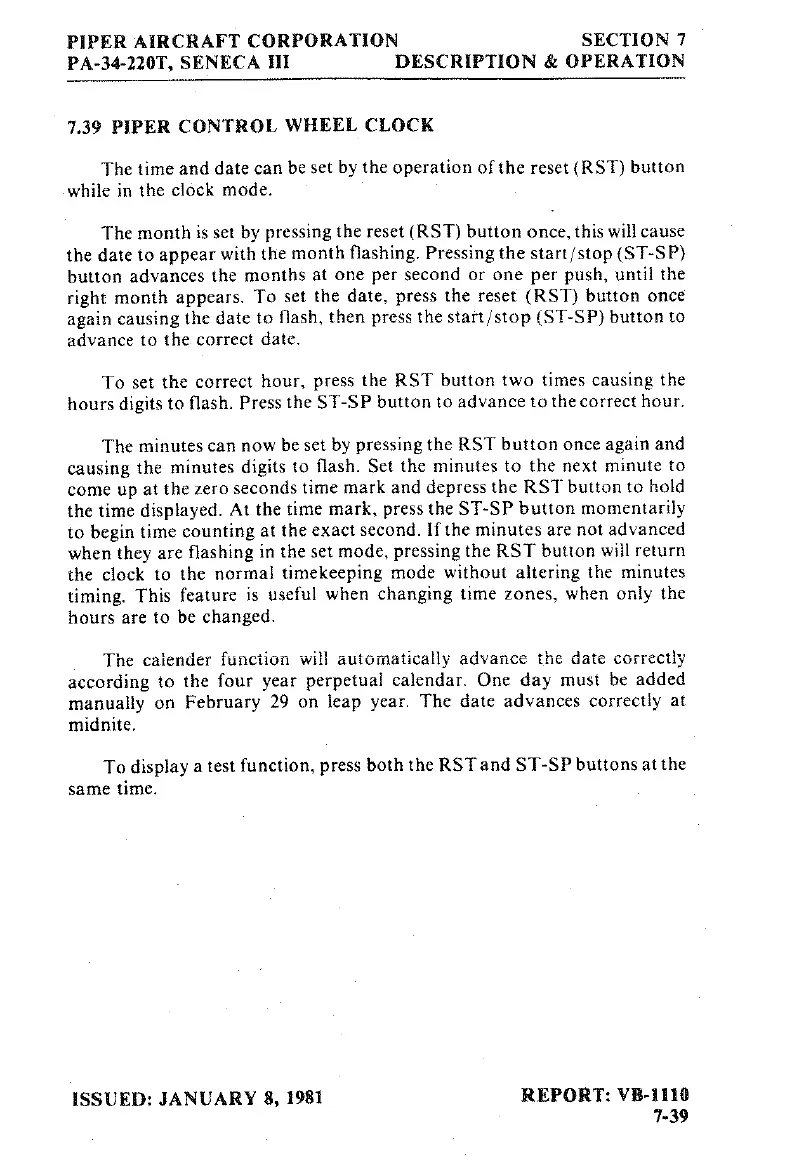
7.39
PIPER CONTROL
WHEEL CLOCK
The
time and date
can
be
set
by the
operation
of
the
reset
(RST) button
while
in
the
clock
mode.
The
month
is
set
by
pressing the
reset
(RST)
button
once,this
will
cause
the date
to
appear
with
the
month
flashing.
Pressing
the
start/stop
(ST-SP)
button
advances
the
months
at
one
per
second
or one
per
push,
until
the
right
month
appears.
To
set
the
date,
press
the
reset
(RST)
button
once
again
causing the date
to
flash,
then
press
the
start/stop (ST-SP) button
to
advance
to
the
correct
date.
To
set
the
correct
hour,
press
the RST button
two
times causing the
hours
digits
to
flash. Press
the
ST-SP button
to
advance
to
the
correct
hour.
The
minutes
can
now
be
set
by
pressing the RST button
once
again
and
causing the
minutes
digits
to
flash. Set
the
minutes
to
the
next
minute
to
come
up
at
the
zero
seconds
time
mark
and depress
the
RST button
to
hold
the
time
displayed. At
the
time
mark,
press
the ST-SP
button
momentarily
to
begin
time
counting
at
the
exact
second.
If
the
minutes
are
not
advanced
when
they
are
flashing in
the
set
mode,
pressing the RST button
will
return
the clock
to
the
normal
timekeeping
mode
without altering
the
minutes
timing.
This feature
is
useful
when
changing
time
zones,
when only
the
hours
are
to
be
changed.
The
calender
function
will automatically
advance
the
date
correctly
according
to
the
four
year
perpetual
calendar.
One
day
must
be
added
manually
on
February
29
on
leap
year.
The date
advances
correctly
at
midnite.
To
display
a
test
function,
press
both
the
RST and ST-SP
buttons
at
the
same
time,
ISSUED:
JANUARY
8,
1981
REPORT: VB-1110
7-39

Table of Contents

Related product manuals