2-16 SV61311 Rev. E
2 • Meet the Inserting System
Status Area
(continued)
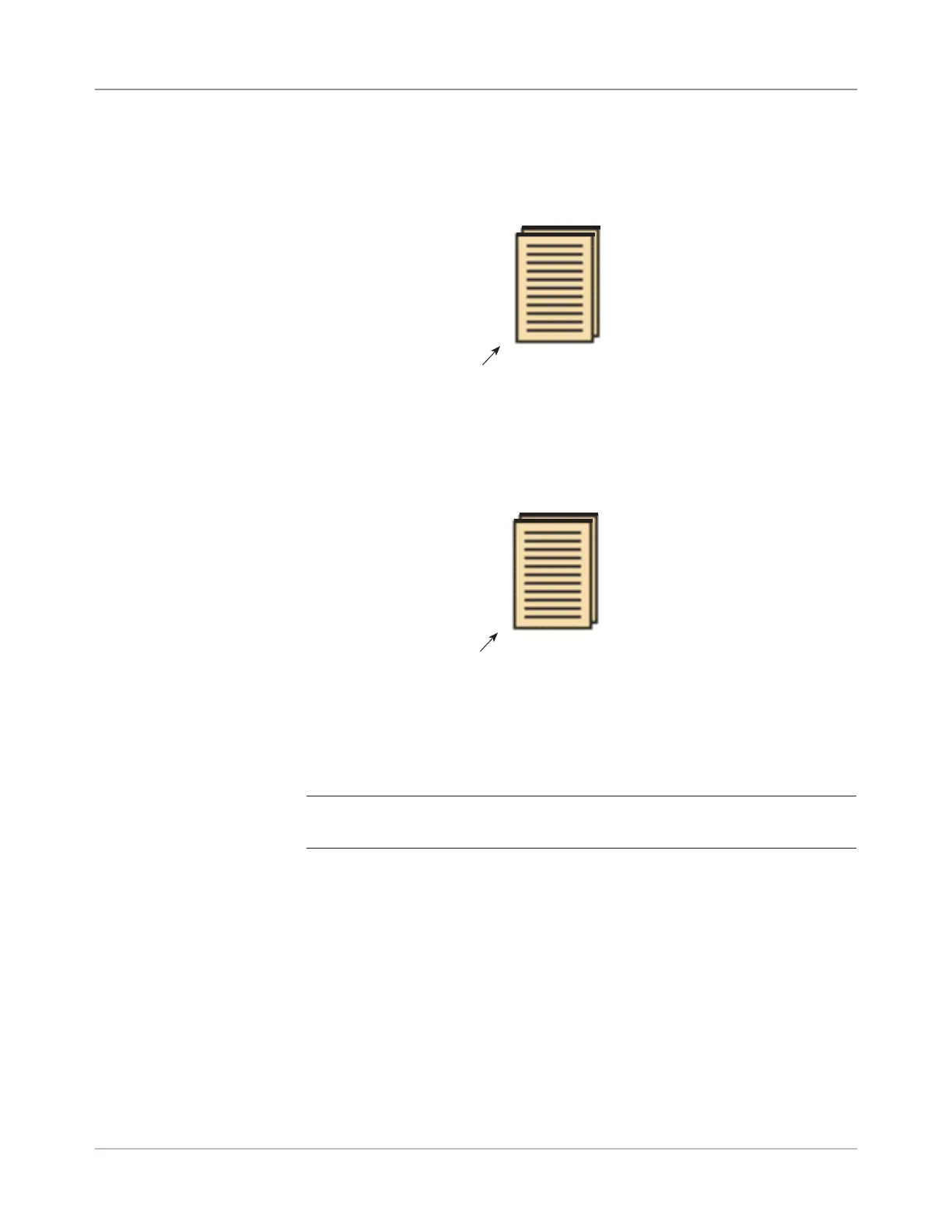
• If any Sheet Feeder(s) are programmed to feed multiple sheets, a modi-
fied icon indicating multiple sheets will appear together with a number
showing the number of sheets in the set.
• On a scanning (OMR or Barcode) job, a variable number of sheets might
be fed under control of the OMR or Barcode marks and so a small letter
"n" will appear in place of the number.
3
Number of sheets in set
• Lines between the icons indicate the way the mailpiece is assembled.
The outer envelope is at the top of the icon tree.
• Making any change to the job settings can cause the Feeder Tray as-
signments to change in the Mail Piece Icon Tree.
NOTE: Any time the job set up changes, be sure to check the Mail Piece Icon
Tree for changes in the Feeder Tray assignments.
n
Indicates variable number of sheets in set (scanning jobs only)



 To Next Page