SV61311 Rev. E
3-43
Basic Operation • 3
Moving an Item
To relocate a item within a mail piece collation order:
1. From the Home screen select "Menu", "Jobs" and then "Edit Current
Job". The Edit Job screen will display.
2. Use the UP/DOWN Arrow Keys to select the item. A highlight will appear
around the selected item.
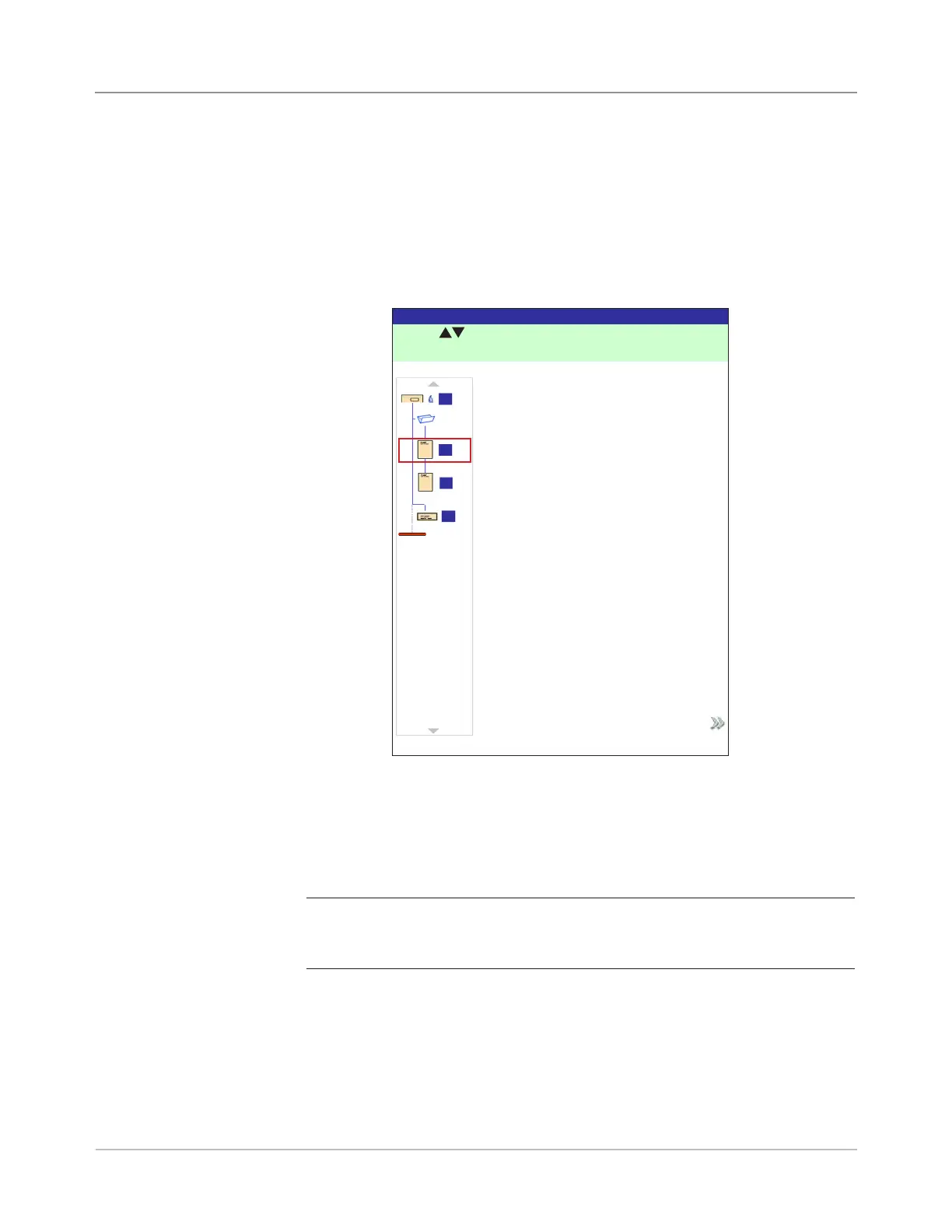
3. Select "Move Highlighted Item". The Move Item Location screen, shown
below, will display.
4. Use the UP/DOWN Arrow Keys to move the red insert marker to the
area in the collation where you want to relocate the item.
5. Select "Accept Highlighted Location". You will be returned to the Edit
Job screen.
NOTE: Recheck the Mail Piece Icon Tree. Moving an item can cause the
Feeder assignment to change. If it does, be sure to load the designated item
into the correct Feeder.
Move Item Location Screen
Press to select location.
Move Item Location
Job: 123
Accept Highlighted Location
A
B
C
D



 To Next Page