SV61311 Rev. E
3-3
Basic Operation • 3
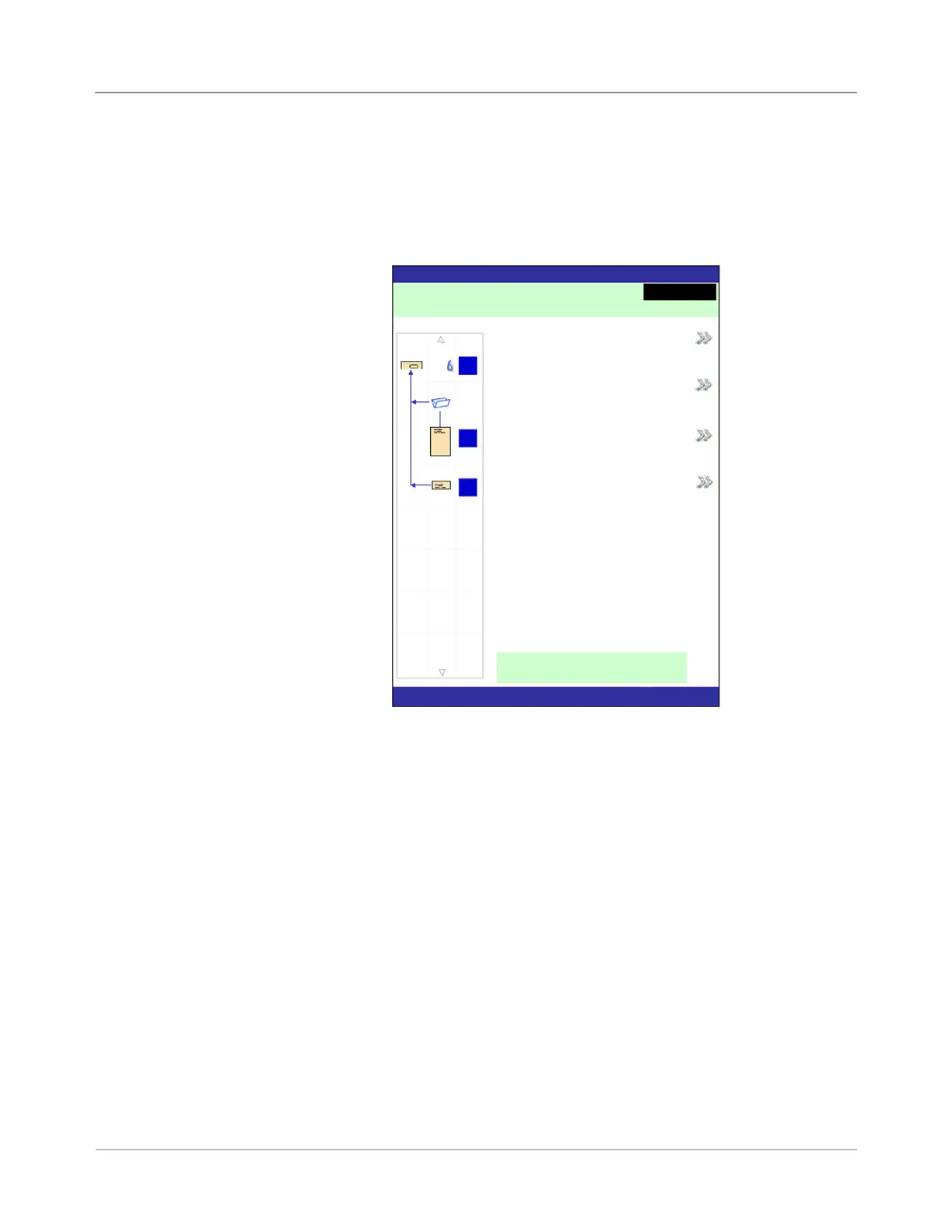
When the system completes the startup process, the Home screen will dis-
play. The last job that was run will display on the Home screen. Information
about the job displays along with the means to select a different job, edit
settings for the displayed job, use the SwiftStart
™
feature, and view loading
instructions for the selected job.
Home Screen
If you need to adjust the screen brightness or contrast, refer to Chapter 5 for
detailed procedures.
Home Screen
Home
Job: ABC
Low Sealant
Select Another Job
SwiftStart
Menu
Loading Instructions and
Pre-Run Adjustments
Run Trial Piece
Job Items
A
B
D
Pieces :1658



 To Next Page