SV61311 Rev. E
3-41
Basic Operation • 3
You can add items to your mail piece one at a time using the procedure de-
scribed below.
To add an item to a mail piece:
1. From the Home screen select "Menu", "Jobs" and then "Edit Current
Job". The Edit Job screen will display.
2. Select “Add Item”.
3. Select the appropriate option: "Add Outer Envelope", "Add Sheet", "Add
Insert" or “Add Large Booklet”.
NOTE: Only jobs using the HCEF can have two outer envelopes.
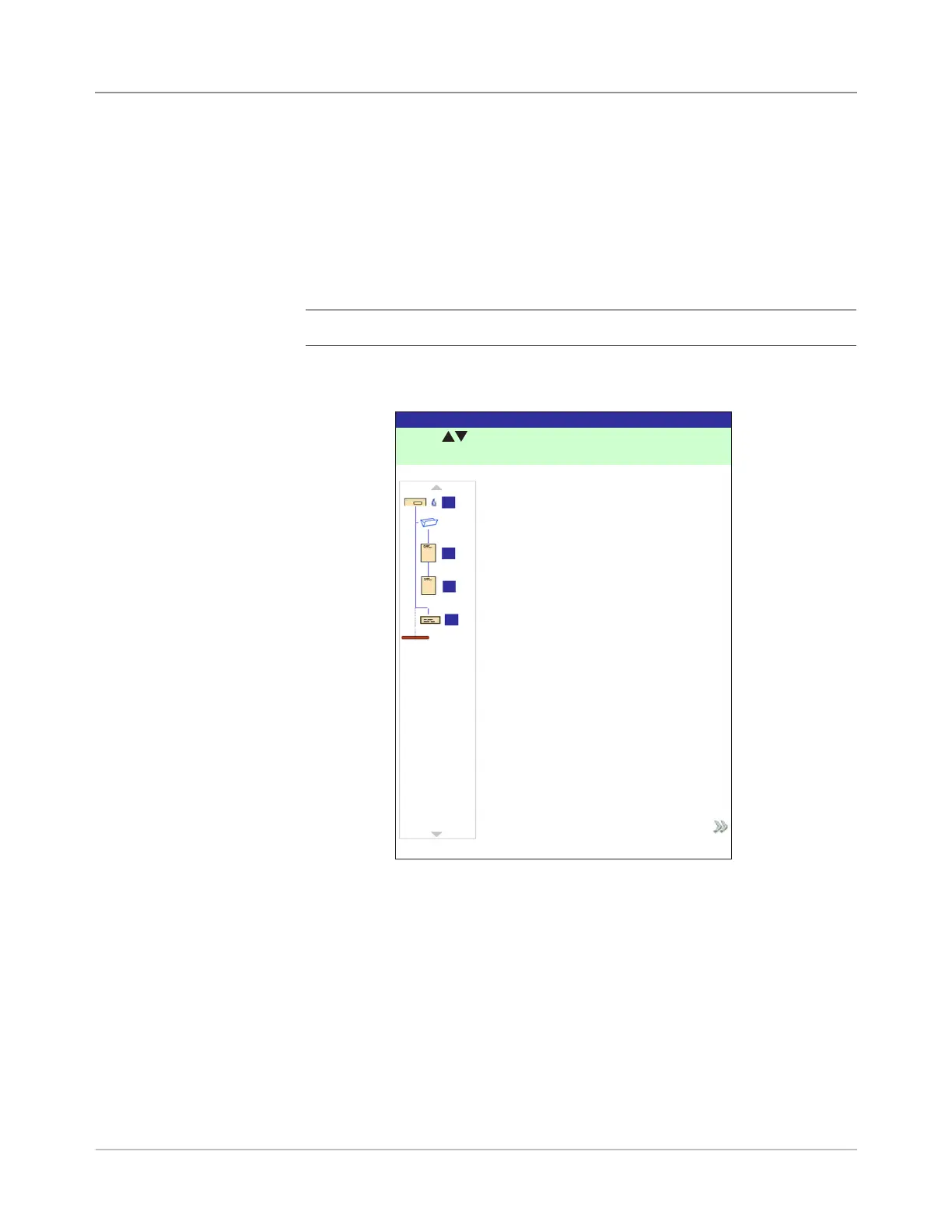
4. If you selected "Add Sheet", "Add Insert" or “Add Large Booklet” the Add
Item Location screen displays.
Adding an Item
a. Use the UP/DOWN Arrow Keys to indicate where in the Mail Piece
Icon Tree (the mail piece collation) to place the new item. An Insert
Marker highlights the selected area.
b. Press "Accept Highlighted Location" when you are done.
c. Depending upon the item you selected, the “Add Sheet”, “Add In-
sert”, or “Add Booklet” screen appears. Use the Screen Option keys
to define the parameters for the new item.
d. Select the desired item characteristics.
e. Press “Accept” when you are done.
Add Item Location Screen
Press to select location.
Add Item Location
Job: 123
Accept Highlighted Location
A
B
C
D



 To Next Page