SV61311 Rev. E
3-21
Basic Operation • 3
4. Tighten the knob for the adjusted insertion edge.
5. Repeat steps 2 through 4 for the other two insertion edges.
Verify Settings
When you finish making the necessary Envelope Opener adjustments, close
the Insertion Area Cover, then verify your settings by doing the following:
1. Press CLEAR DECK.
2. Press TRIAL PIECE.
• If the Envelope Openers are positioned correctly (that is, aligned cor-
rectly to open the envelope), select "OK".
• If more adjustments are needed, repeat the steps stated in the previ-
ous sections until proper alignment is achieved.
NOTE: Each time you press TRIAL PIECE, a complete Trial Piece will be
generated.
Adjusting
the Envelope
Openers
(continued)
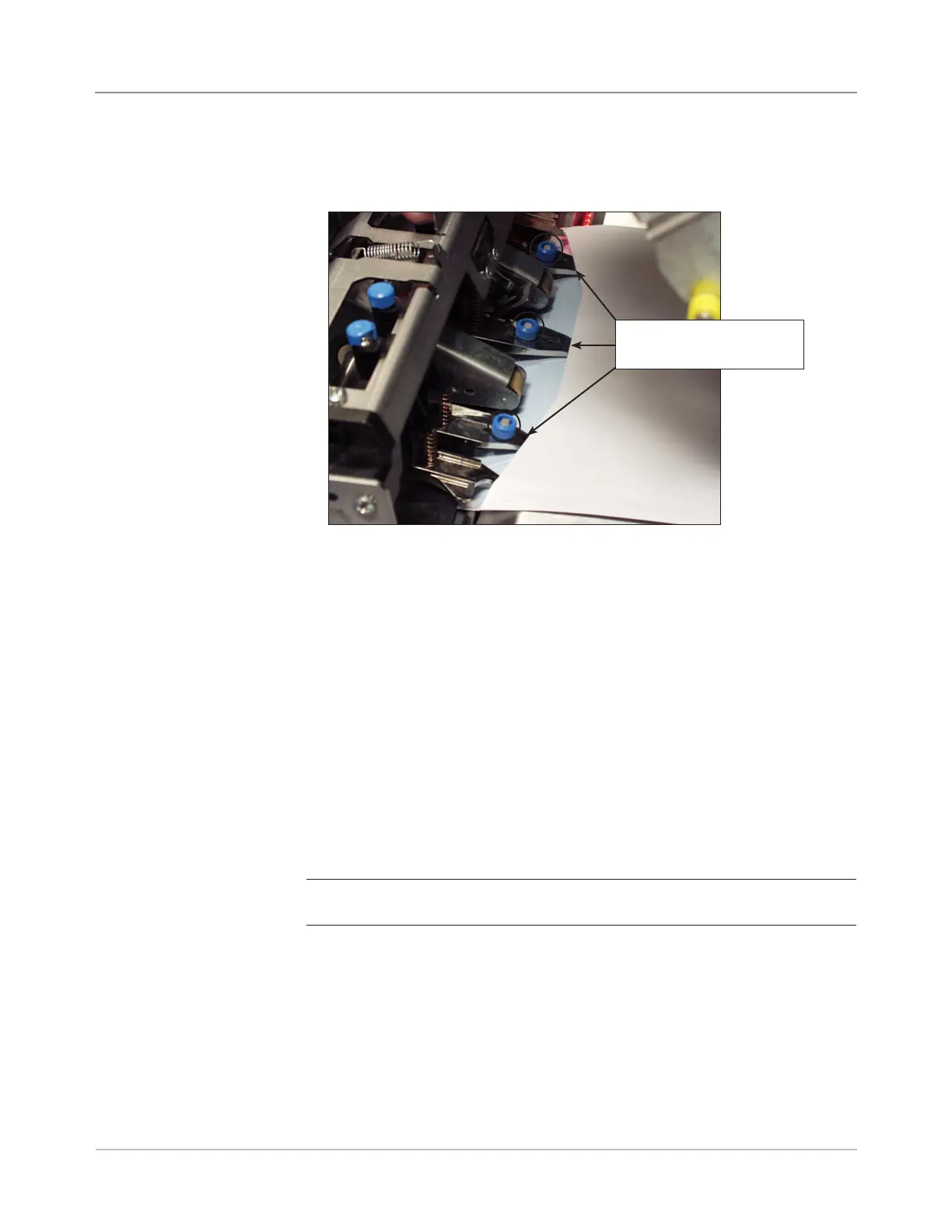
Figure 3.9.5: Inner Envelope Openers Inserted into Envelope
Insertion Edges of Inner
Envelope Openers
3. If necessary, loosen the knob on the insertion edge of the Inner Enve-
lope Opener, and adjust until it goes at least 5 mm into the top panel of
the envelope.



 To Next Page