J693 5
3.0 Installing the Printer
This section explains how to connect and load the printer with media and
ribbon.
;
;
Note: When connecting the AC Power Cord or data cables to the printer,
ensure the Power On/Off Switch is in the ‘Off’ position.
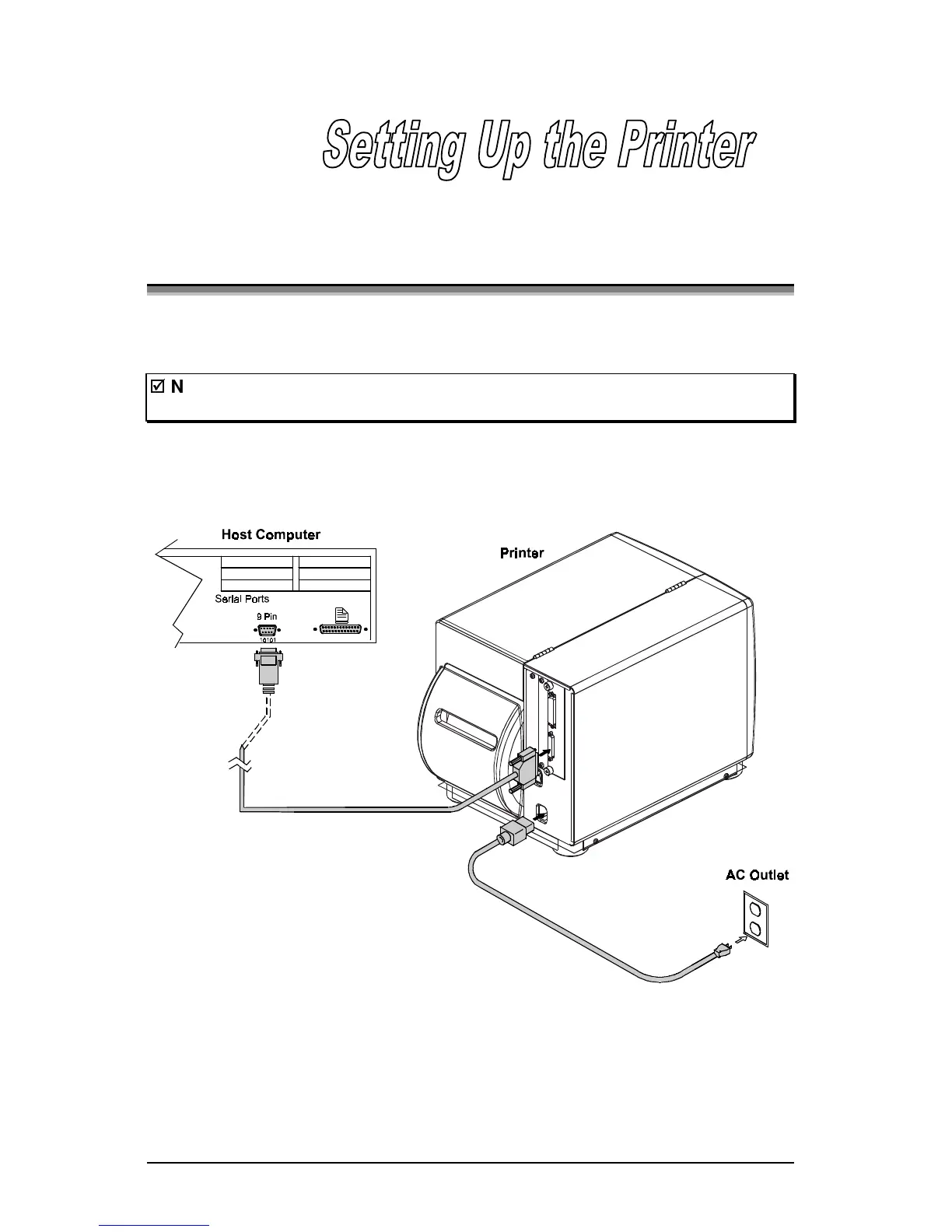
Connect the AC power cord to the receptacle located on the back of the printer,
then plug the cord into a properly grounded outlet.



 To Next Page