J693 69
6.1 Fault and Warning Messages
When the printer detects a problem or the potential for a problem, a message is
displayed and the Error Indicator (see Section 4.0.4) will be illuminated. There
are two types of indications:
• Fault Indication – the indicator ‘fast flashes’ with message.
• Warning Indication – the indicator ‘slow flashes’ with message.
The Fault and Warning Messages are listed in the following two tables,
including a brief description of each and possible solution(s).
;
;
Note:
After the printer enters a fault condition, the fault must be corrected
and then FEED key must be pressed to clear the condition.
Fault Messages:
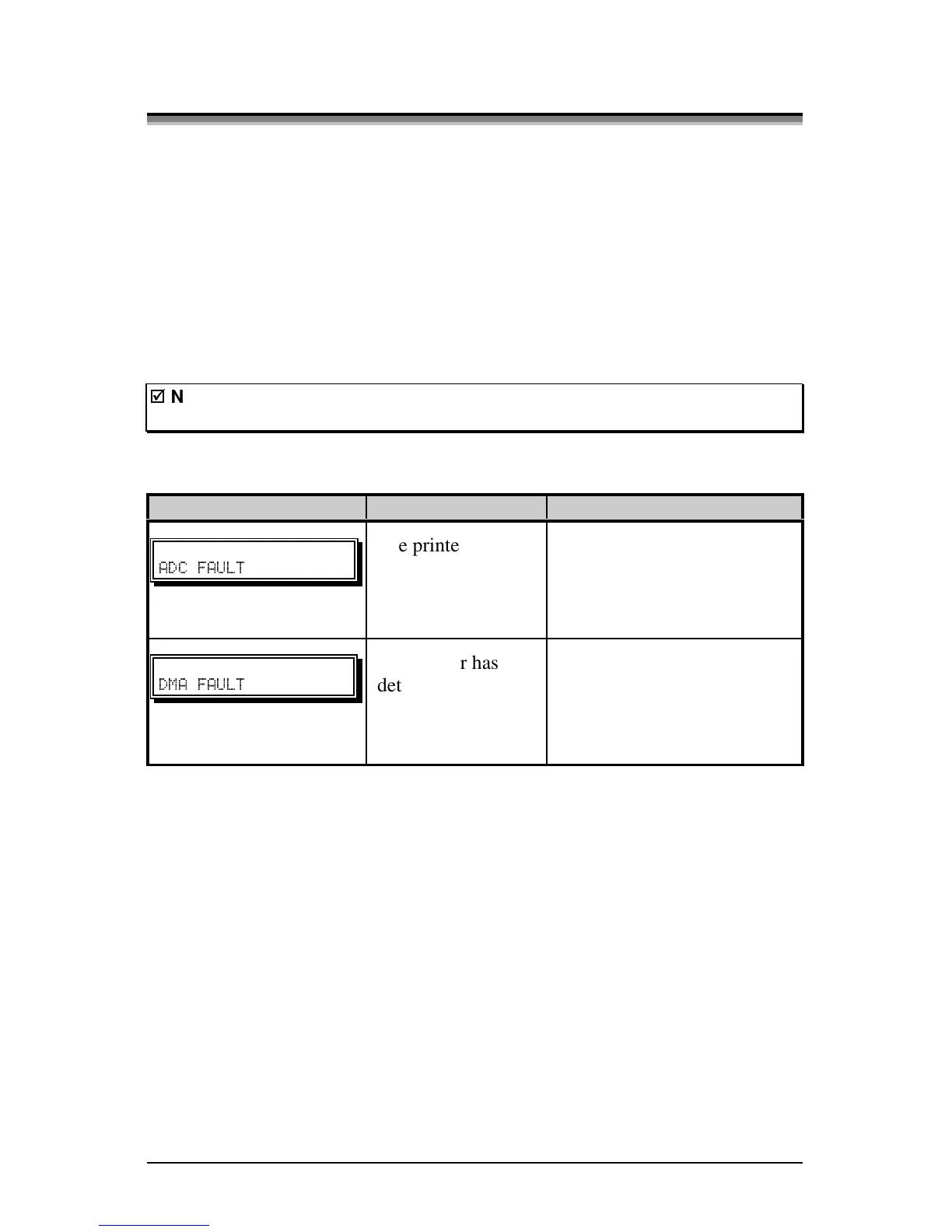
Displayed Message Description Possible Solution(s)
" "
The printer has
detected an analog
to digital circuit
converter failure.
Try cycling the printer power
‘Off’ and ‘On’. If the fault
does not clear, call for
service.
" "
The printer has
detected a Direct
Memory Access
failure.
Try cycling the printer power
‘Off’ and ‘On’. If the fault
does not clear, call for
service.
(Continued next page)



 To Next Page