70 J693
Fault Messages (continued):
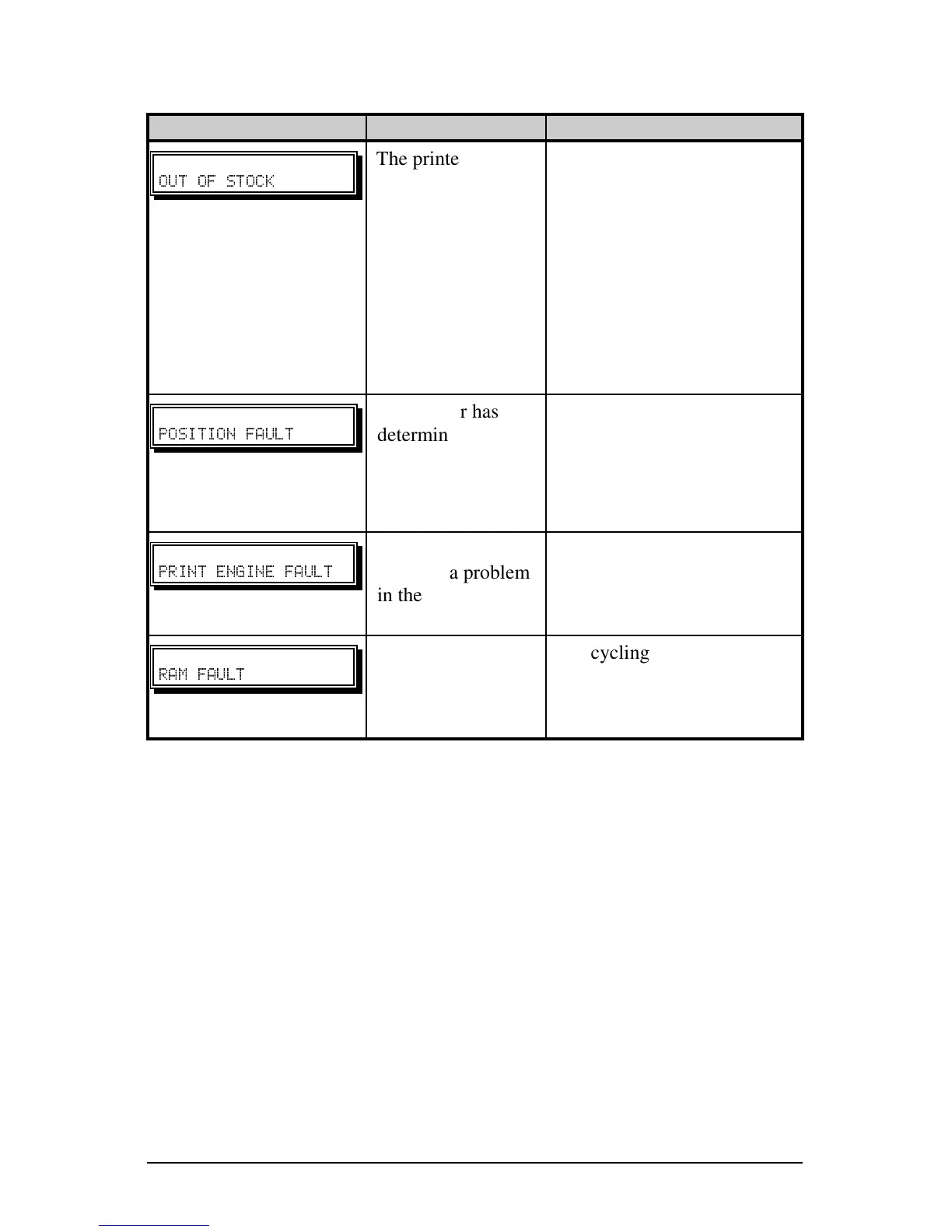
Displayed Message Description Possible Solution(s)
The printer cannot
detect media.
1) Reload media.
2) Ensure that the labels are
passing through the Media
Sensor.
3) Readjust the Media Sensor
over the TOF mark; see
Section 5.0.
4) Calibrate the printer; see
Section 5.2.
"
The printer has
determined that the
media is not
correctly
positioned to print.
Press and hold the FEED key
for 4 seconds; see Section 5.1.
Calibration may also be
needed. See Section 5.2.
"
The printer has
detected a problem
in the print logic.
Try cycling the printer power
‘Off’ and ‘On’. If the fault
does not clear, call for
service.
" "
The system has
detected a RAM
failure.
Try cycling the printer
power ‘Off’ and ‘On’. If the
fault does not clear, call for
service.
(Continued next page)



 To Next Page