J693 35
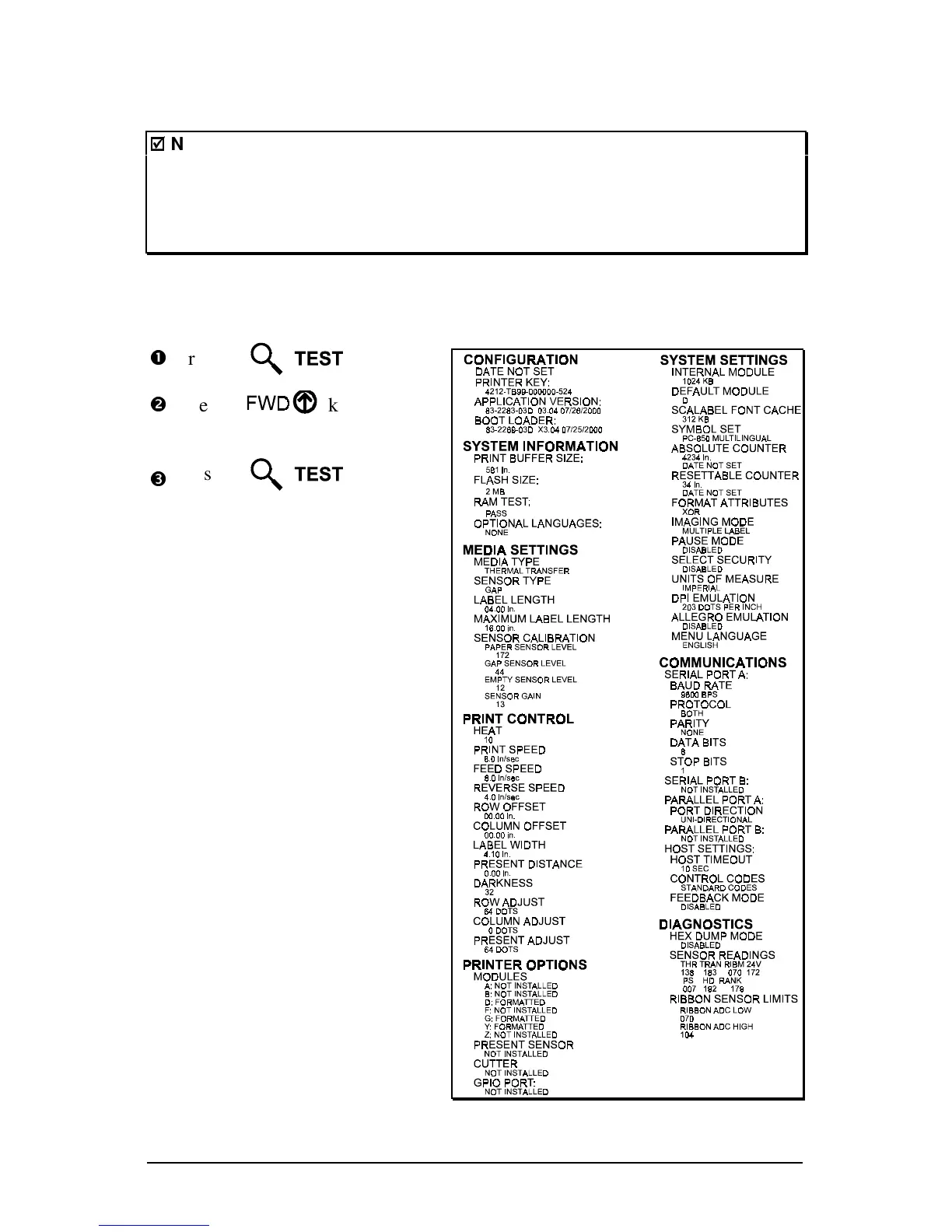
4.3.2 Configuration Label
;
;
Notes:
To print all Configuration Label information, the media cannot be less
than 2 inches wide (51mm) and the Label Width setting must match
the width of the media being used (see Section 4.1.2).
The Configuration Label content can vary with the application version
and model of the printer.
The Configuration Label provides valuable printer database information, as
detailed in Section 4.1. To print a Configuration Label:
n
Press the key.
o
Use the key to scroll
to ‘Print Configuration’.
p
Press the key to
start printing.



 To Next Page