40 J693
q
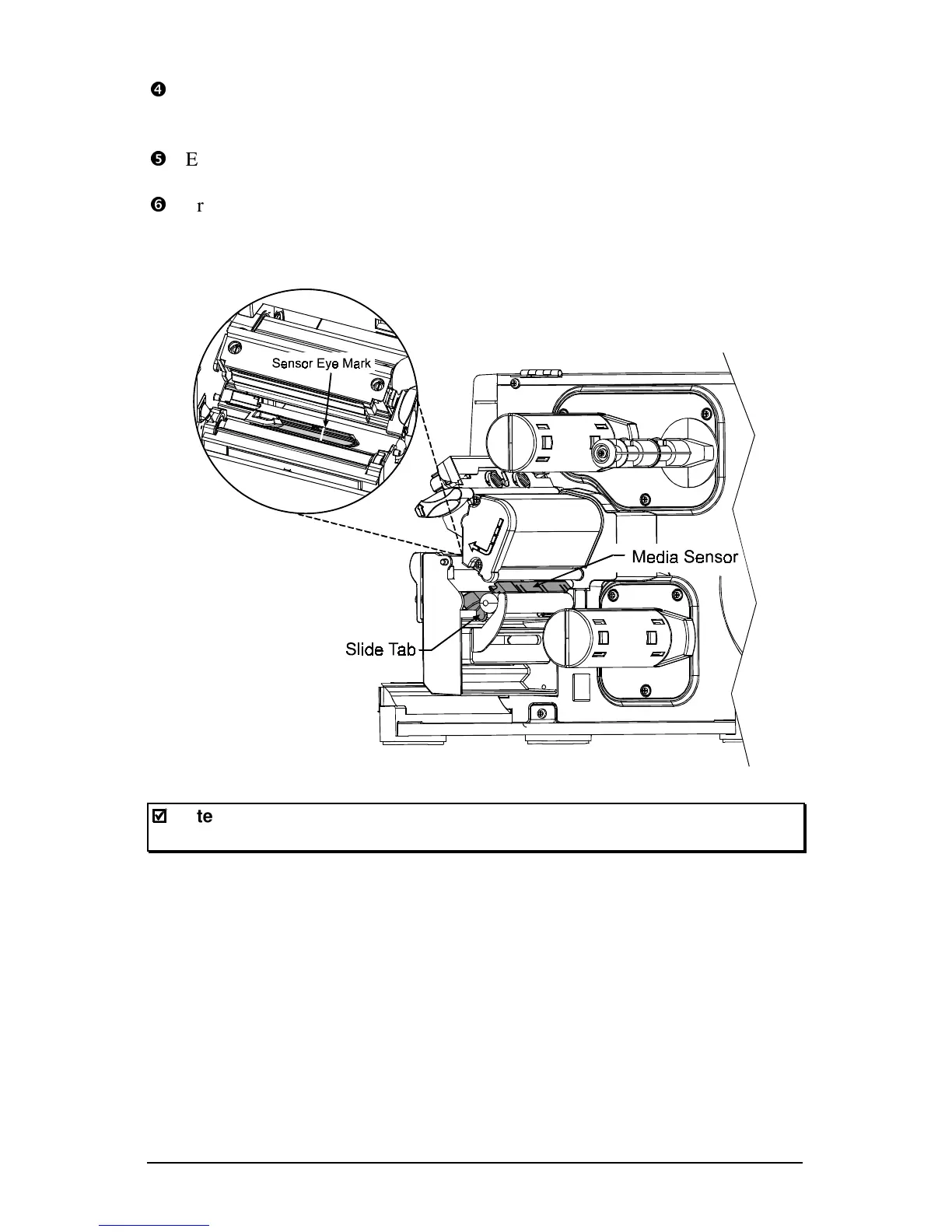
Enter the Media Settings menu and verify that the correct ‘Sensor Type’ is
selected; see Section 4.1.1.
r
Exit the menu and return to READY mode.
s
Press and hold the FEED key until 2-3 labels are advanced (approximately
4 seconds) to set the TOF; see Section 5.1. If ‘Uncalibrated’, ‘Top of Form
Fault’, or ‘Position Error’ is displayed go to Section 5.2.
;
;
Note: Start of print position changes can be made using the Print
Control/Row Adjust or Row Offset (see Section 4.1.2).



 To Next Page