44 J693
Step Operator Action Displayed Message Comment
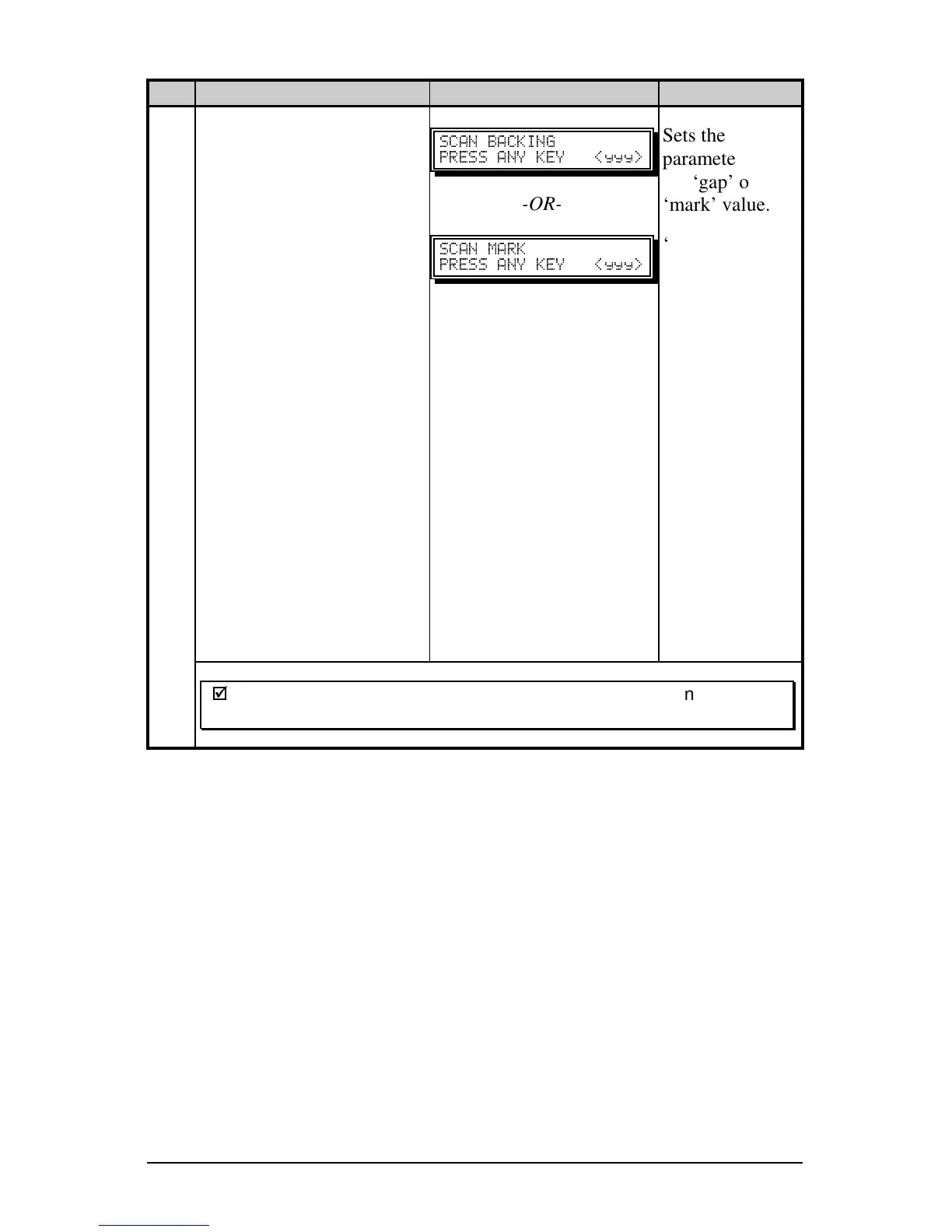
Proceed according to the
media type:
Die-cut stock: remove
approximately six inches
of label material from the
backing (liner) and place
the backing under the
Sensor Eye Mark.
Notched stock: place the
notched area in the sensor
and adjust the Sensor Eye
Mark over the notch.
Reflective media: place
the black mark (face
down) in the sensor and
adjust the Sensor Eye
Mark over the black
mark.
Press any key to continue.
" #"
" ]<<<_
-OR-
" "
" ]<<<_
Sets the
parameter for
the ‘gap’ or
‘mark’ value.
‘yyy’ is a
numerical value
representing the
current sensor
reading.
If the ‘Sensor
Type’ is set to
‘Continuous’,
this step is
skipped, going
directly into
Step 10.
9
;
;
Note: After the Media Sensor has been adjusted, do not readjust
the position.
(Continued next page)



 To Next Page