J693 49
Step Operator Action Displayed Message Comment
10
Proceed according to media
type:
Die-cut stock: remove
approximately six inches
of label material from the
backing and place the
backing under the Sensor
Eye Mark. Lower the
printhead.
Notched stock: place the
notched area in the sensor
and adjust the Sensor Eye
Mark over the notch.
Lower the printhead.
Reflective stock: place
the black mark (face
down) in the sensor and
adjust the Sensor Eye
Mark over the mark.
Lower the printhead.
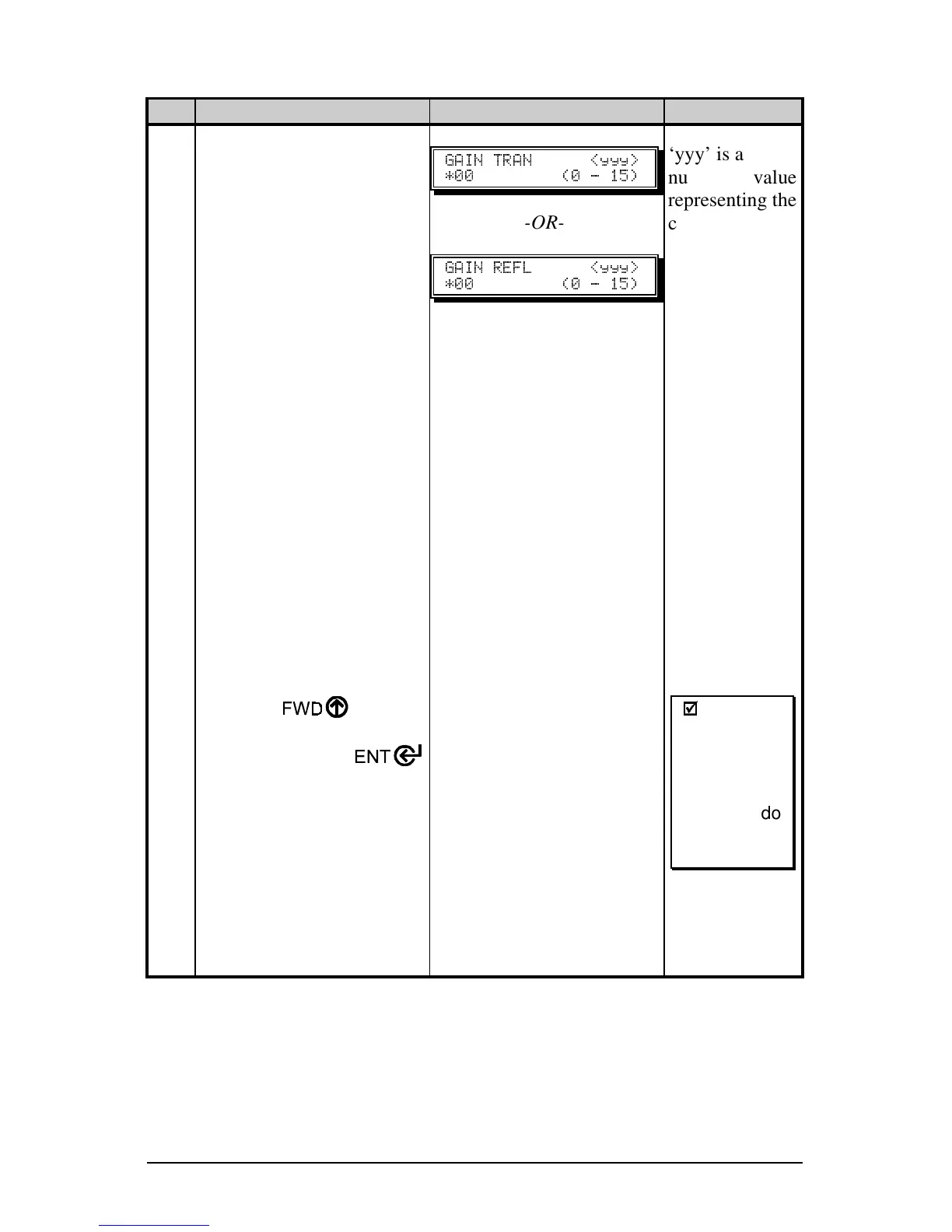
Using the key
increment the Gain
Number. Press the
key to select the new setting
and then record the sensor
reading (the ‘yyy’ value).
Repeat this process for each
of the 16 Gain Numbers,
recording each value.
These are the TOF Values.
" " ]<<<_
JQQ HQ L RVI
-OR-
" ]<<<_
JQQ HQ L RVI
‘yyy’ is a
numerical value
representing the
current sensor
reading.
;
;
Note:
After the
Media
Sensor has
been
adjusted, do
not readjust
the position.
(Continued next page)



 To Next Page