54 J693
r
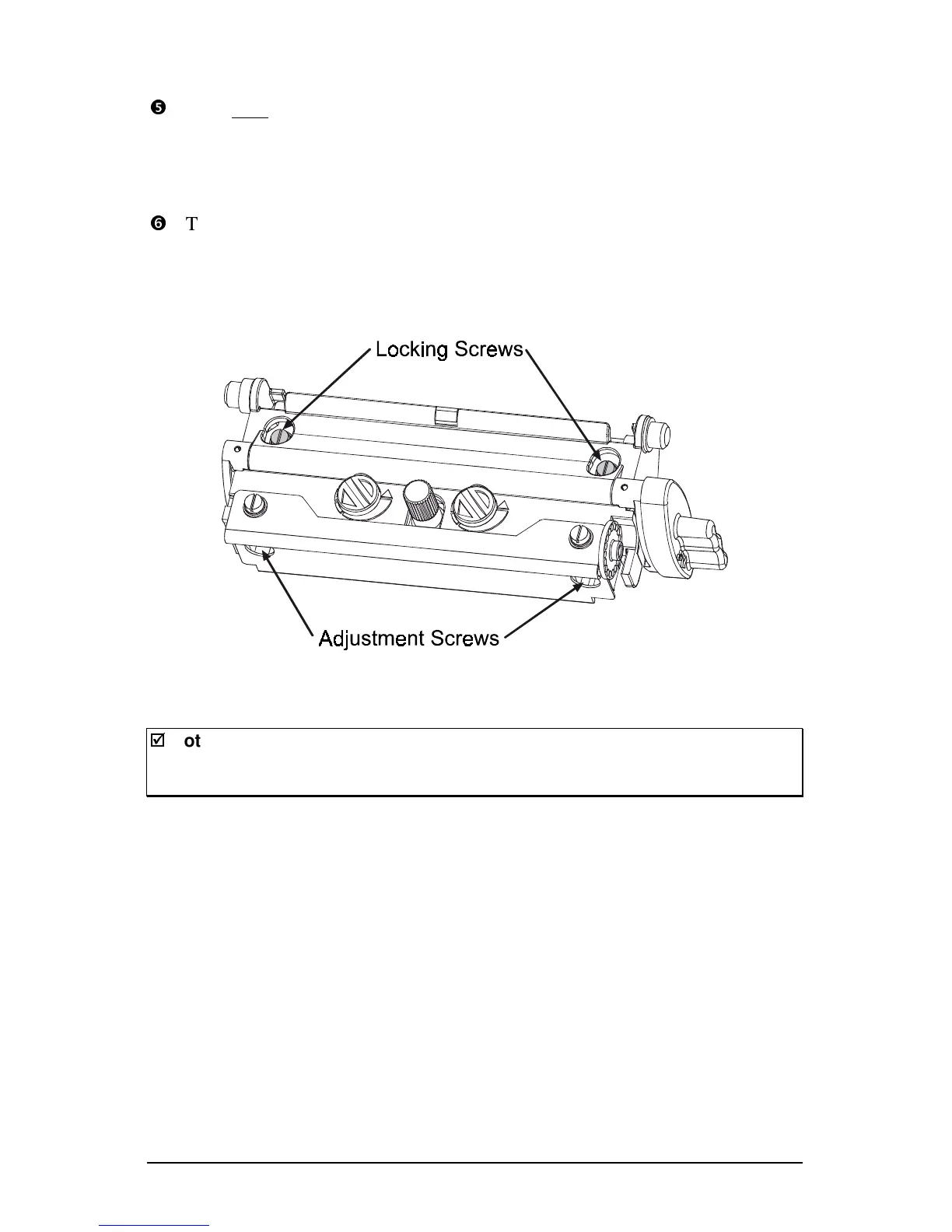
Turn each Adjustment Screws clockwise about ¼ a turn (or 1/8 a turn for
finer adjustments). Print another Validation Label and examine the print
quality. Repeat this step until labels with even print contrast (darkness) and
acceptable print quality are produced.
s
Tighten the Locking Screws. Print a final Quick Test label to verify the
adjustment.
;
;
Note: When the Locking Screws are ‘snug’, turning the Adjustment Screws
counter-clockwise will not move the printhead outward. If you have
adjusted the printhead too far inward, restart the entire procedure.



 To Next Page