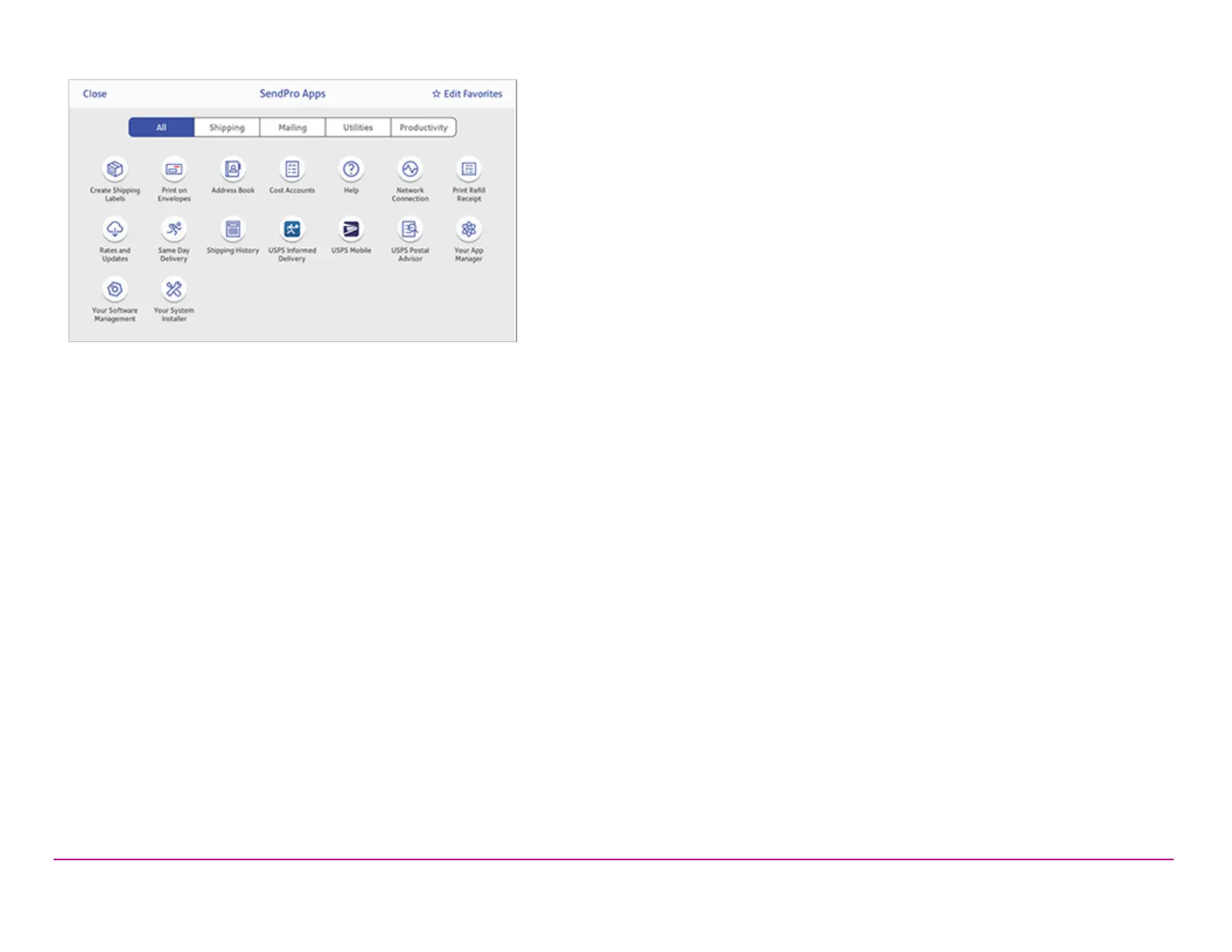
You can also add your most frequently used apps to a list of favorites appearing along the bottom of the Home screen.
Getting help on your device
Tap Ask SendPro Care on the Home screen to get information and help for your device. This includes:
l View alerts.
l Get information about your device- your account number, serial number and model number.
l Any error messages on your device, like "Cover open" or "Low Funds".
l A list of the most popular searches.
l Access to PDF operator guides.
The toolbar
The toolbar located at the top of the Home screen appears at the top of every screen within the Trackable Labels or Shipping Labels and
Envelope Printing or Print on Envelopes applications.
Pitney Bowes Quick ReferenceGuide December 08,2020 Page 3 of 18












 To Next Page