1. Tap Print on Envelopes on the Home screen.
2. Tap Postage Balance.
3. Tap Refill Postage.
4. Enter the amount of postage you wish to add.
5. Tap Refill Mail Postage.
6. Tap View Receipt to view or print a receipt.
7. Tap Done.
8. Your updated postage balance appears on the Print on Envelopes screen.
Sealing envelopes when you print postage
You can seal envelopes and print postage at the same time with your SendPro C Lite, SendPro C,
SendPro+.
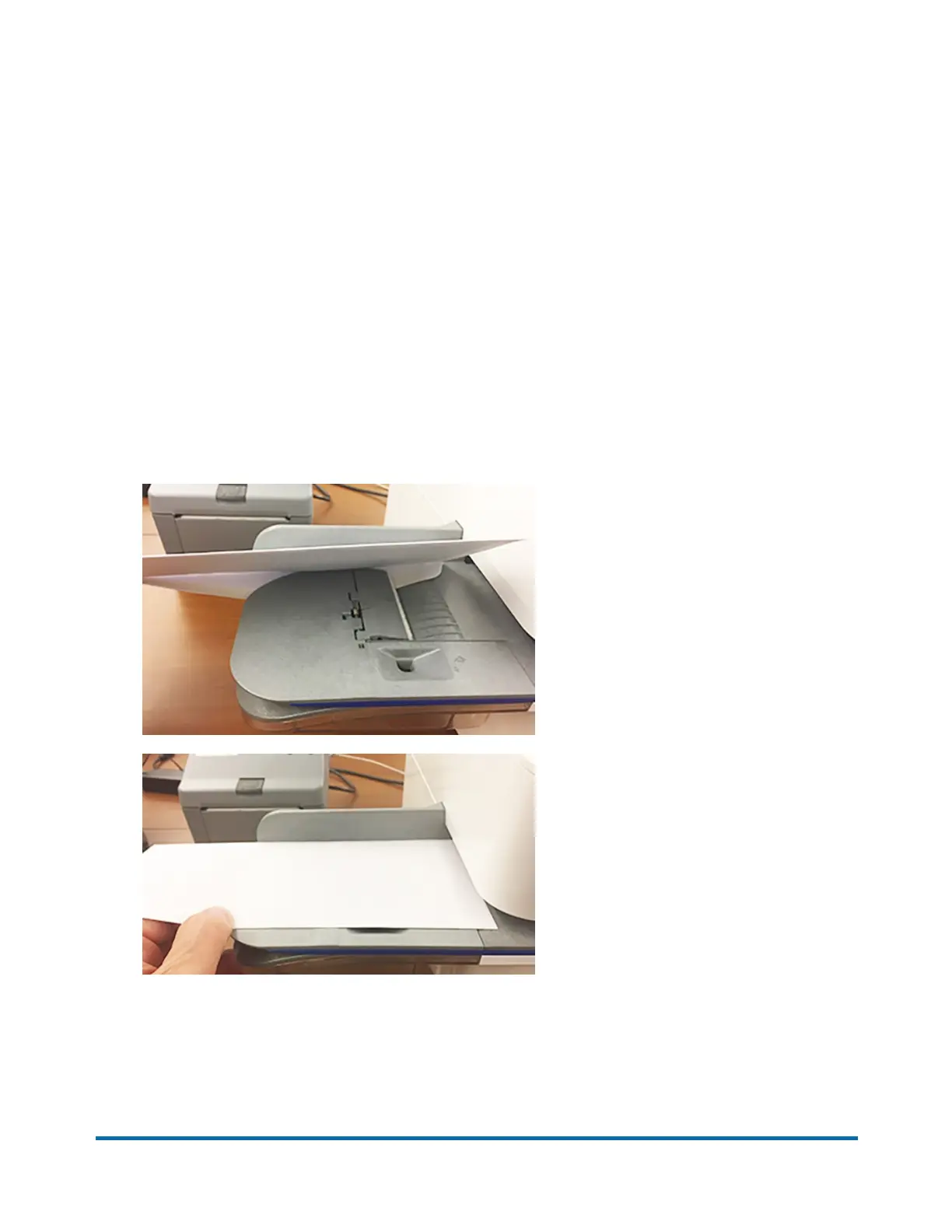
1. Check the level of sealing solution in the moistener tank. Add more if required.
2. Slide the envelope flap under the edge of the feed deck so the moistener can wet the flap.
3. Tap Print on Envelopes on the Home screen.
4. Tap Account and select an account if accounting is enabled on your device.
Pitney Bowes Quick Reference Guide April 2022 21












 To Next Page