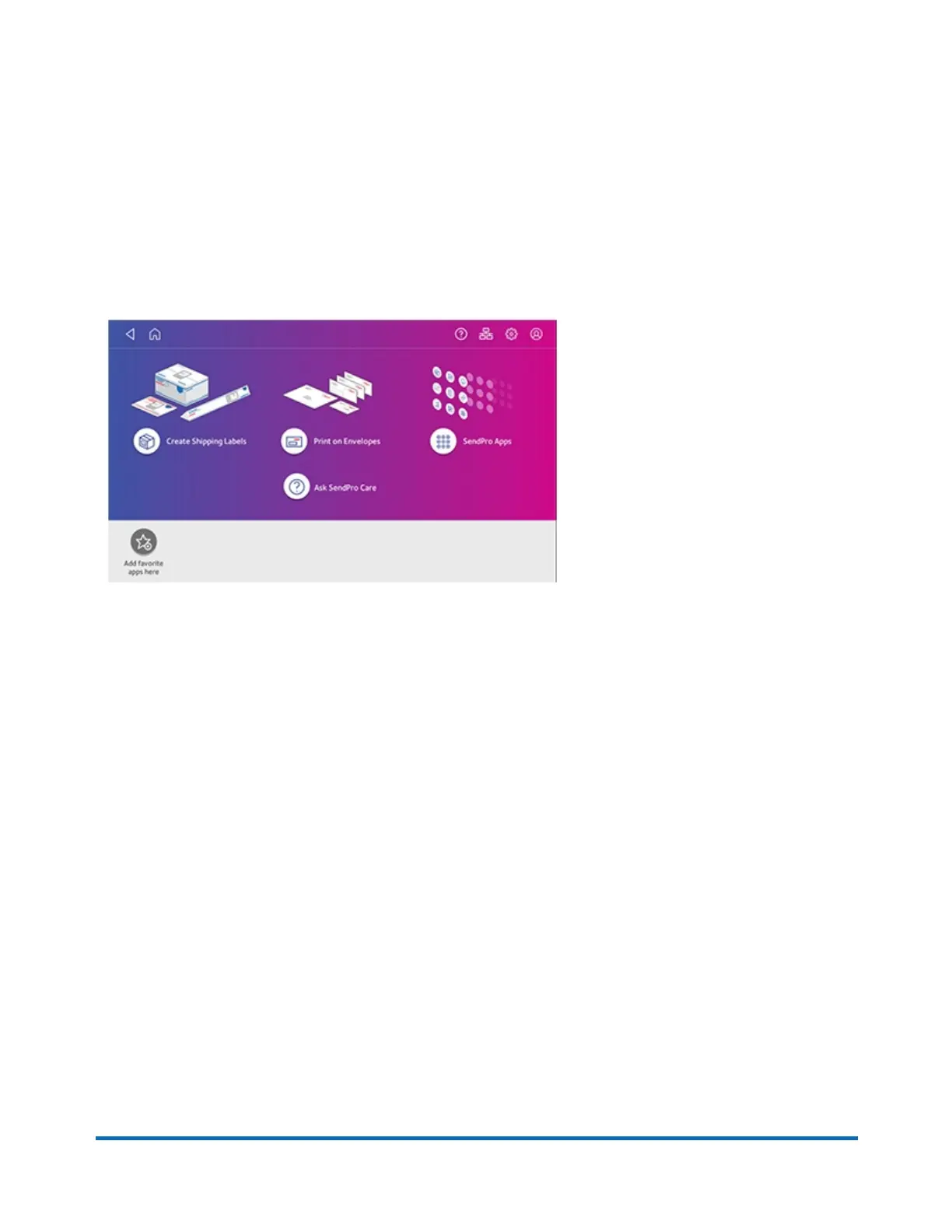
Navigating the Home screen
You can create a shipping label or print postage from the Home screen on the SendPro C Lite,
SendPro C, SendPro+.
Creating shipping labels or printing on envelopes
Tap Print on Envelopes to print postage for envelopes and post cards. Tap Create Shipping Labels
to create a shipping label for important large envelopes or packages using USPS, UPS®, or FedEx®.
Using SendPro Apps
Tap on SendPro Apps to access a variety of apps to support and enhance your device.
For example, you can:
l
Check for rates and updates (Rates and Updates)
l
Get a history of shipping labels created (Shipping History)
l
Check the status of your network connection (Network Connection).
Pitney Bowes Quick Reference Guide April 2022 3












 To Next Page