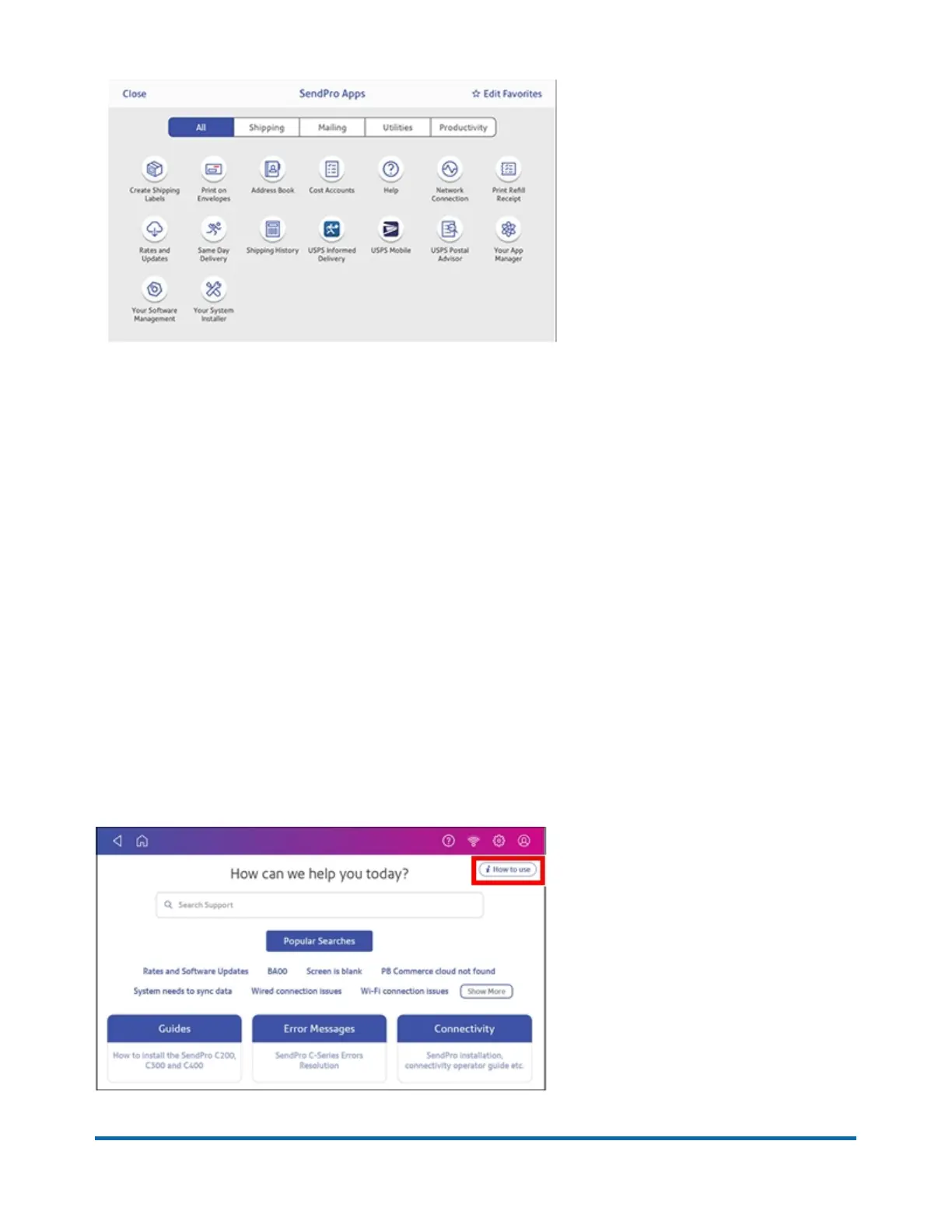
You can also add your most frequently used apps to a list of favorites appearing along the bottom of
the Home screen.
Getting help on your device
Tap SendPro Care on the Home screen to get information about your device
The SendPro Care app automatically recognizes your device issues and provides recommendations
for resolving them. The app also provides:
l
Real-time predictive updates, diagnostic, error notifications, and offers.
l
Solutions to resolve the issue.
l
Essential tools and guides.
l
Voice (mobile app) and text search to resolve issues quickly.
l
Product health management and tracking.
l
Account balances and case status.
l
Spending and saving insights to track your budget more effectively.
To learn how to use the SendPro Care app, tap i How to use on the main page of the app.
Pitney Bowes Quick Reference Guide April 2022 4












 To Next Page