SendPro Tablet Operator’s Guide
13
SendPro Tablet Operator’s Guide
SETTING UP THE SENDPRO TABLET
Before you set up
You need to have a SendPro App subscription to login and use the SendPro shipping app. SendPro subscription
works on Single sign-on, which means you are authenticated once and you get access to multiple applications.
When you switch on the device, follow the on-screen instructions and tap Next. Tap Proceed on the screen and
enter the user name and password.
How to Setup Lock on your Device
The SendPro Tablet is shipped unlocked. You need to change the Tablet settings so that a user can enter
a PIN to lock the device.
To setup a lock and create unlock PIN follow the steps below.
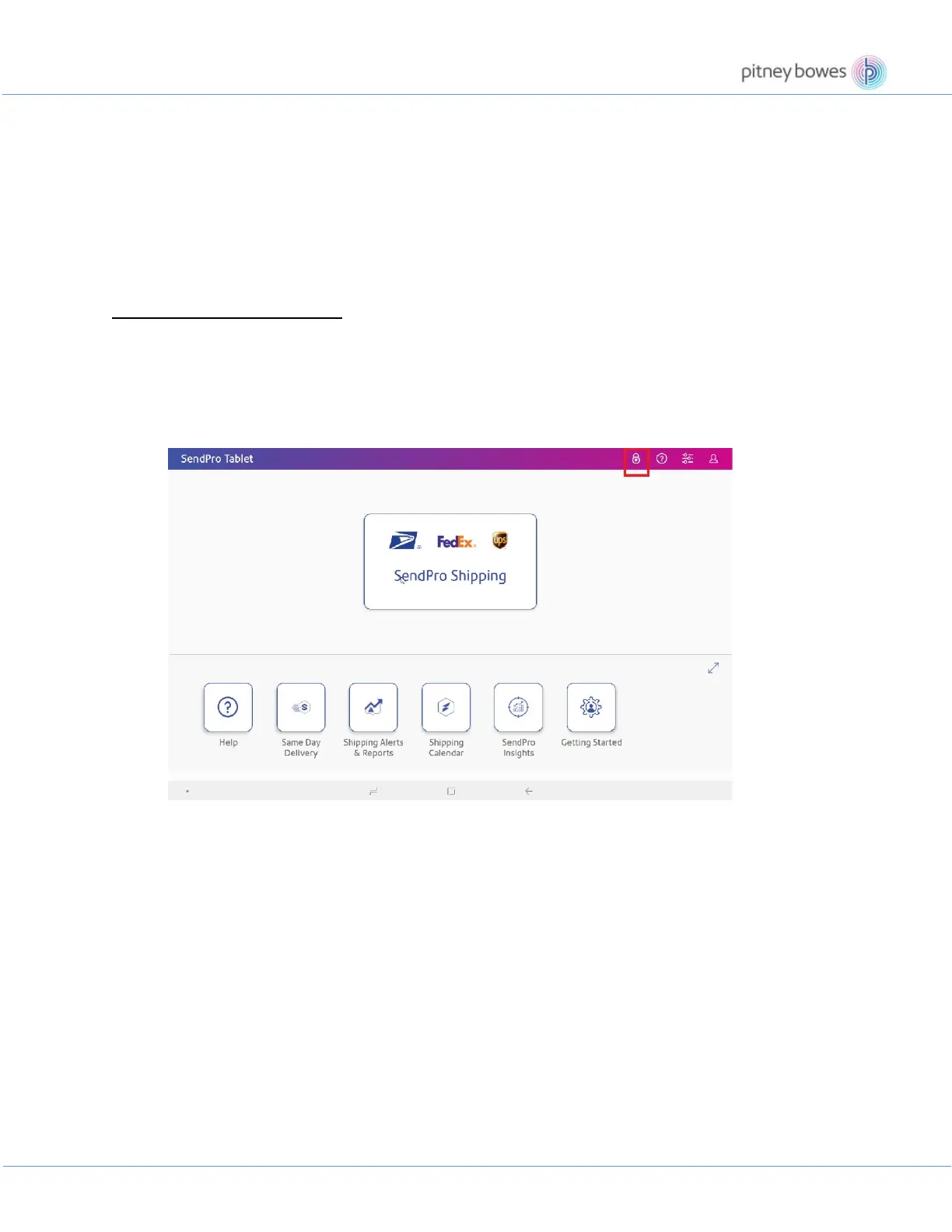
1. Tap the lock icon in the upper right corner of the screen to set up a PIN.











 To Next Page