SendPro Tablet Operator’s Guide
31
SendPro Tablet Operator’s Guide
Check printer lights
Indicators Light on the Printer and their Descriptions
The indicators light blink to indicate the printer's status.
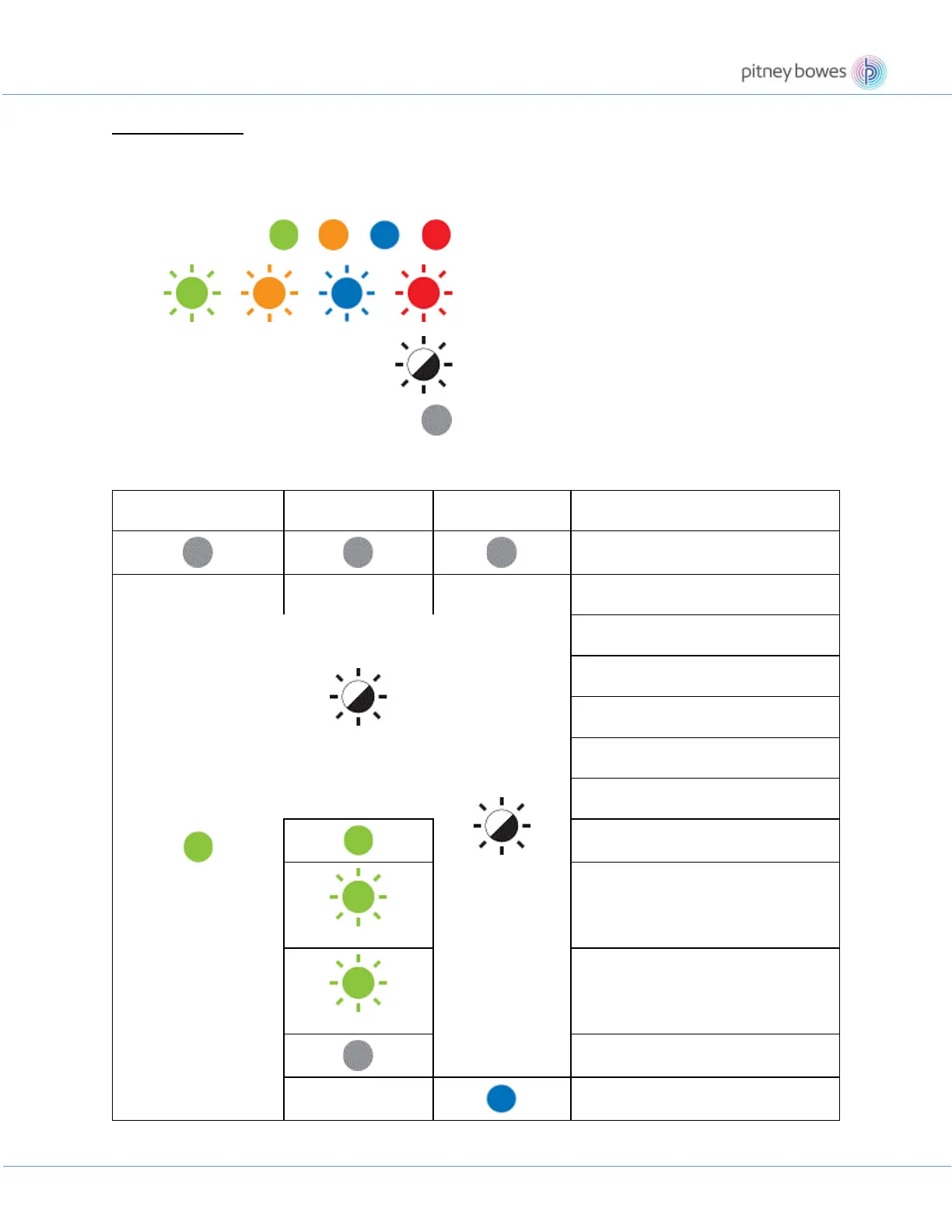
The following symbols are used in this FAQ to explain the meaning of the different indicator colours and patterns.
Indicator is lit in the colour shown
Indicator is flashing in the colour shown
Indicator can be off, lit, or flashing in any colour
Indicator is off
[Indicators and conditions]
Click the "Condition" with a hyperlink to see its solution.
Status LED Editor Lite LED Bluetooth LED Condition
Power is Off
Idle mode
Initialising mode
Feeding mode
Printing mode
Cutting mode
Mass storage mode
Wi-Fi is on and connected
WPS setting mode
WLAN is on, but not connected
Wi-Fi is Off
Bluetooth is On











 To Next Page