SendPro Tablet Operator’s Guide
32
SendPro Tablet Operator’s Guide
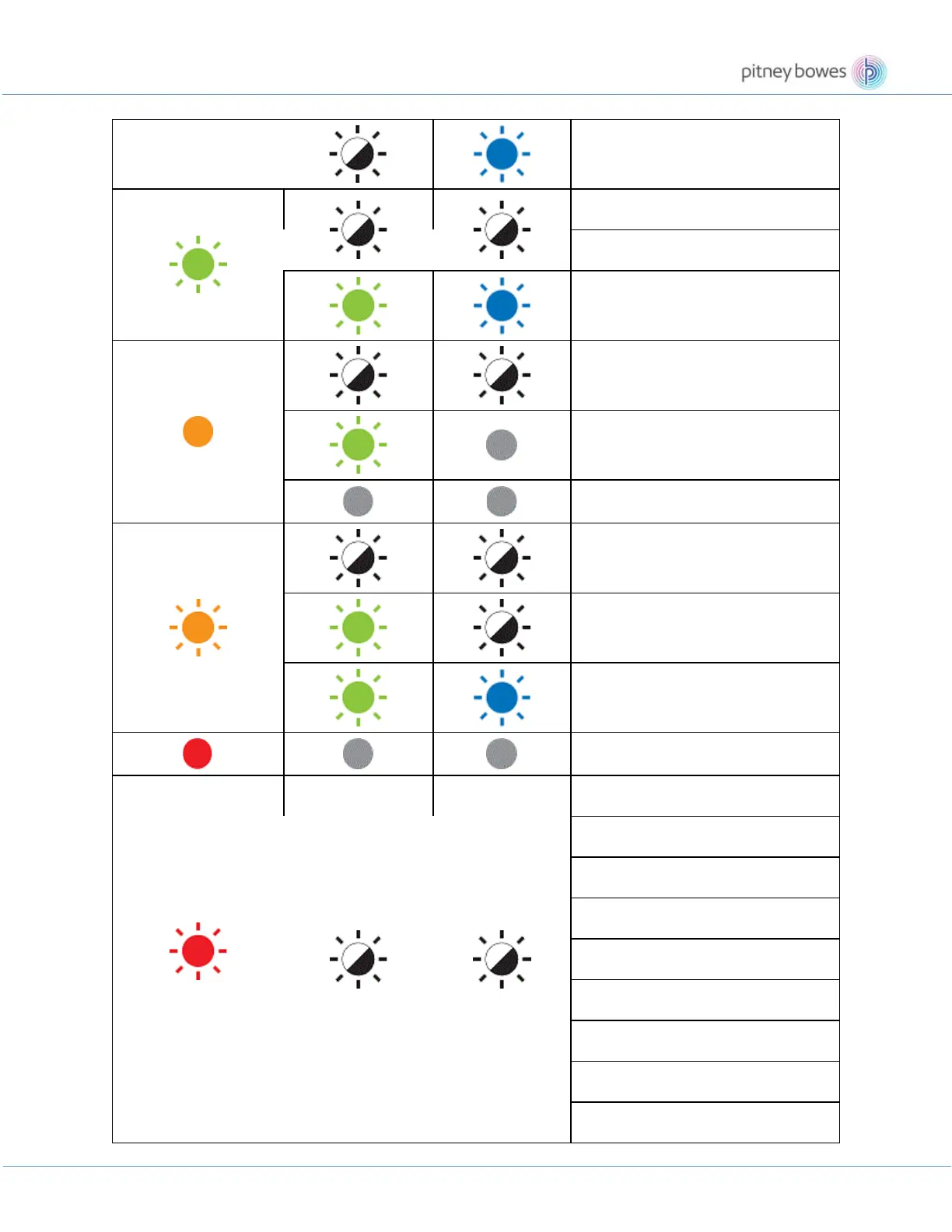
Bluetooth pairing
Receiving data
Cancelling the print job
Switching to mass storage mode
The DK Roll Compartment Cover is
open.
Resetting mode is On.
The printer is in System Off mode.
The printer is in Cooling mode.
Searching for printers
Data overwrite mode
The printer is in Boot mode.
(Once for 2 seconds)
Roll end error
No media error
Wrong media error
Feed error
Cover open error
BLF file error
JPG file error
Communication cmd error
Memory full error











 To Next Page