SendPro Tablet Operator’s Guide
16
SendPro Tablet Operator’s Guide
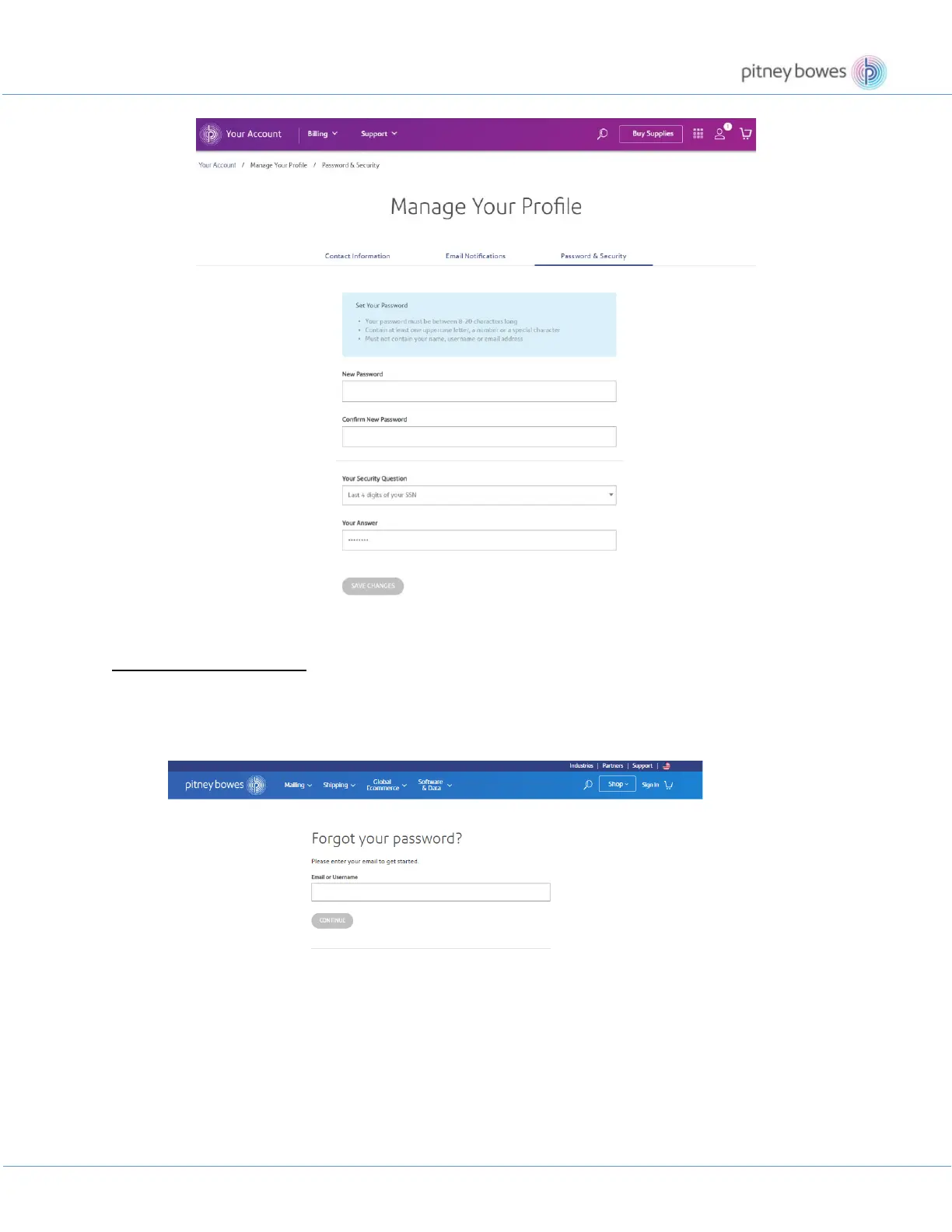
How to Reset Your Password
If you forget your password, you can reset it anytime. Follow the steps below if you want to reset your password.
1. Go to https://www.pitneybowes.us/signin/logon.go?request_locale=en_US#/account/forgot-
password.
2. Follow the on screen prompts.











 To Next Page