SendPro Tablet Operator’s Guide
24
SendPro Tablet Operator’s Guide
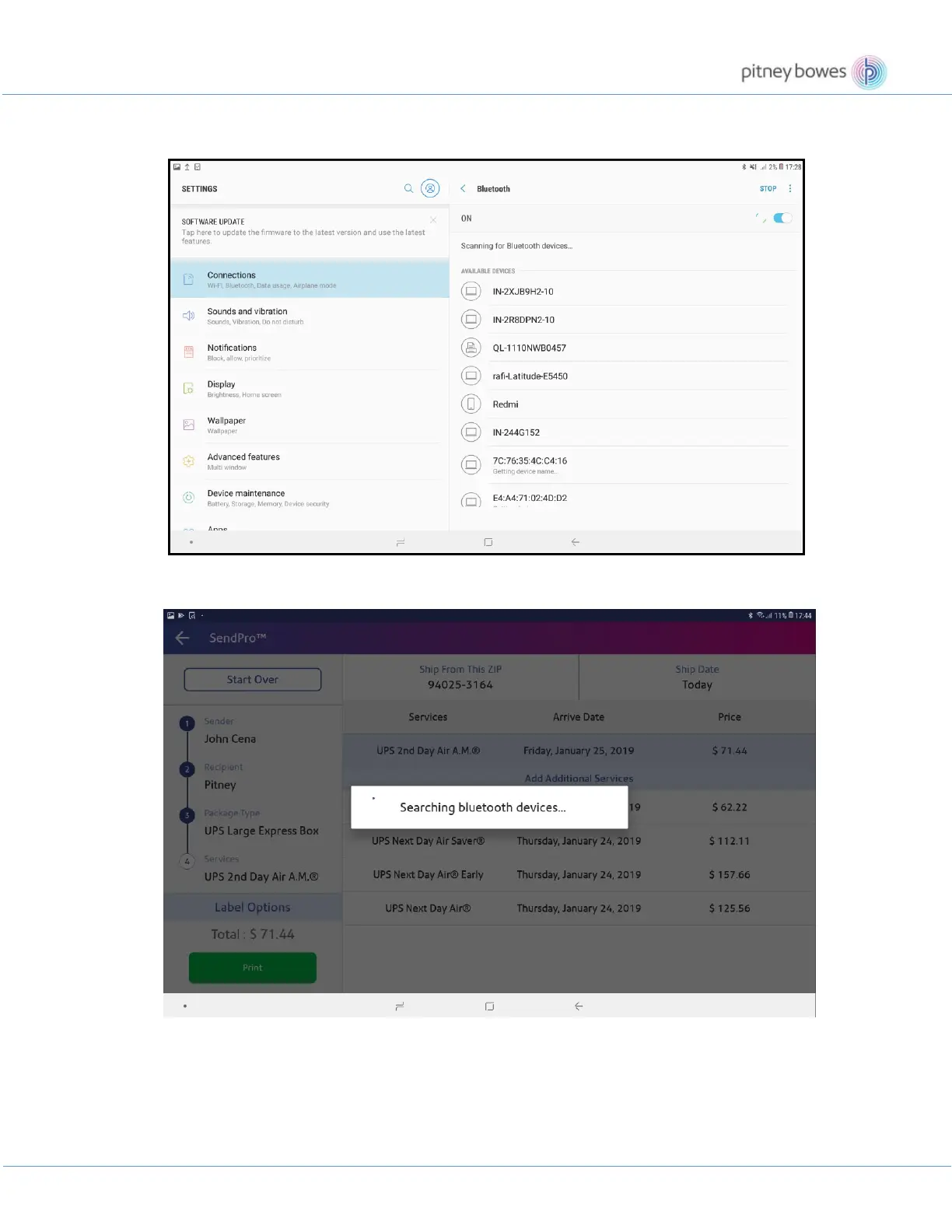
4. On the next screen, tap the printer name from the list that you want to connect to.
5. If the printer is not already paired, then you can also select a printer while printing a label.
6. Select a printer from the list.











 To Next Page