SendPro Tablet Operator’s Guide
26
SendPro Tablet Operator’s Guide
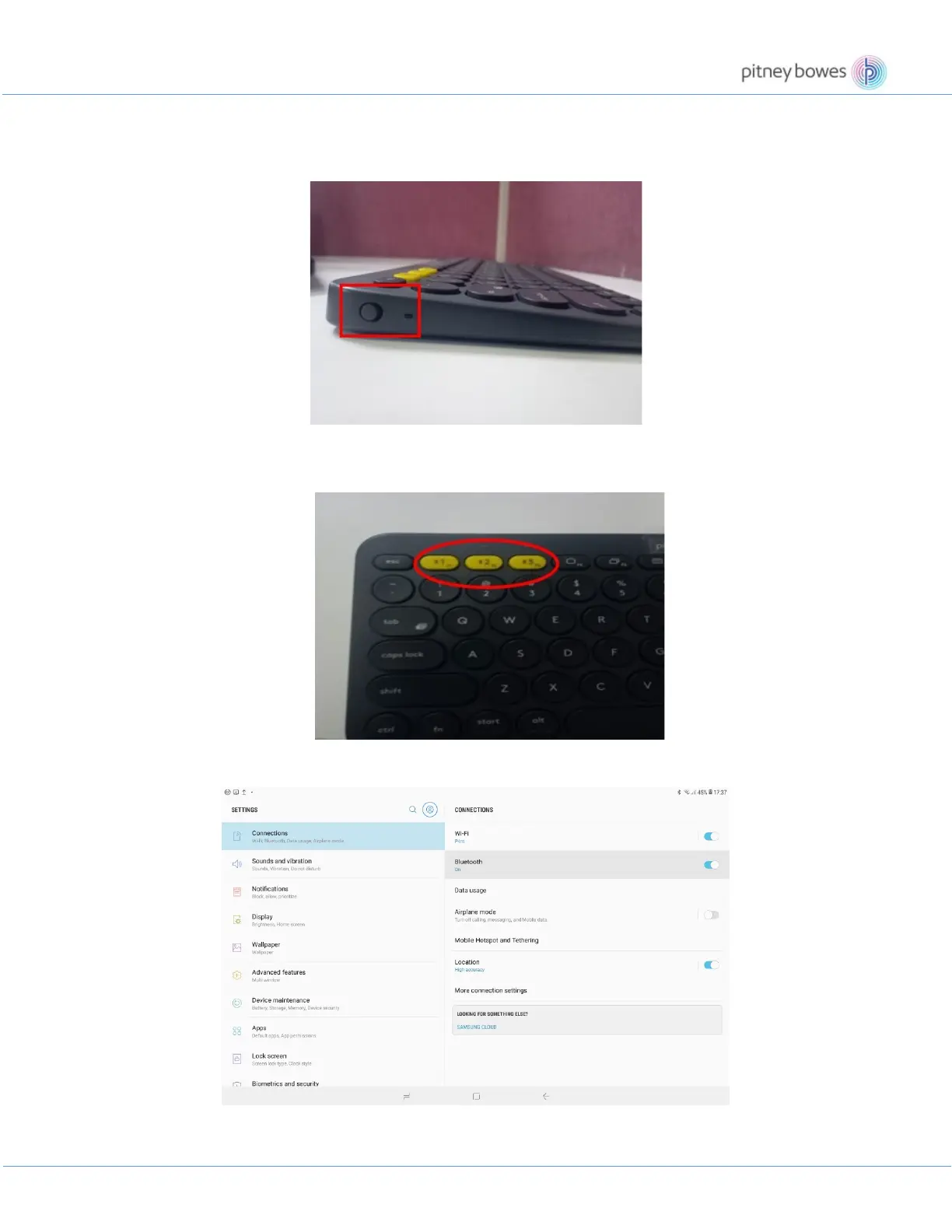
Follow the steps below to connect the Bluetooth keyboard with Tablet
1. Switch on the Bluetooth keyboard from the side button
2.
Now Long Press for 6-7 seconds on any one Channel button i.e., 1, 2 or 3 (yellow color) to enable the
channel of the Bluetooth Device.
3. Go to Settings and enable the Bluetooth of your SendPro Tablet.
4. Now tap Scan and search the keyboard device name on the screen to connect. For example, Keyboard
K380.











 To Next Page