47
6.2 Navigating File Browsing Mode
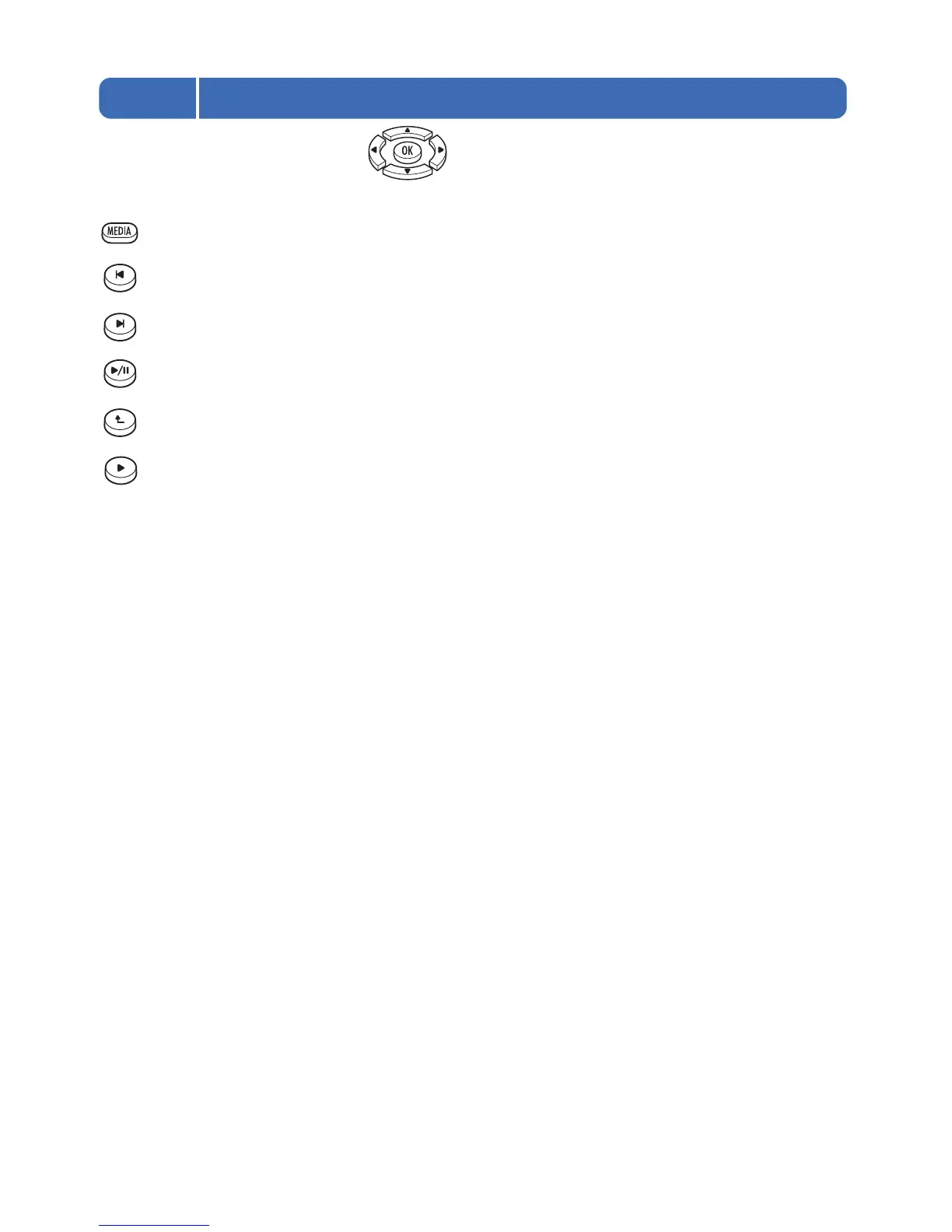
In general, you will only need to use the keys to navigate the File Browser. However these additional
keys can make navigation easier.
MEDIA - Pressing this key cycles through the “Display file type:” options Video/Photo/Music/All (see section 6.1).
Previous - Pressing this key goes back one page of the file list.
Next - Pressing this key goes forward one page of the file list.
Play/Pause - Pressing this key will play all media files listed in the currently OPEN folder.
Up Folder - In File Browsing Mode, pressing this key will navigate up one level to the parent folder.
Forward / Play Folder - Pressing this key plays the media files in the currently highlighted folder.



 To Next Page