48
After selecting a particular media file or files to play, HD MediaBox will enter Media Playing Mode.
If the file is a DVD .ISO or .IFO, HD MediaBox will enter DVD Playing Mode (see section 8).
When the file reaches the end (or the last file reaches the end if “Play All”, and Repeat Mode is defined), HD
MediaBox will return to File Browsing Mode.
7.1 Info Screen
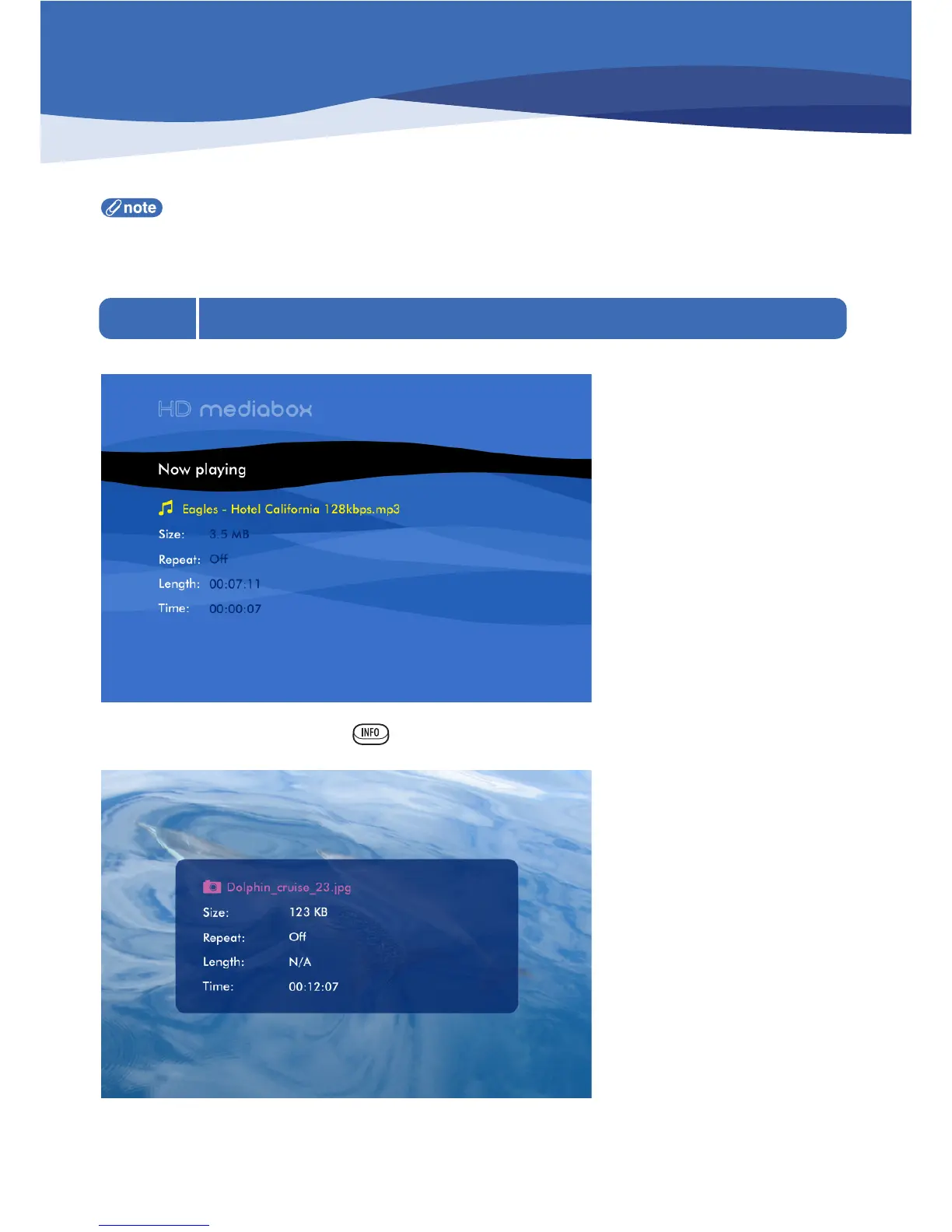
While playing audio files, the following info screen is displayed.
While viewing video files, pressing the key on the Remote Control displays the following information panel.
Both these panels show the following information about the file being played.
7. Media Playing Mode


 To Next Page