Sending Serial Commands via USB
Planar RPS and Video Controller RS232 User Guide Page | 41
020-1332-00I
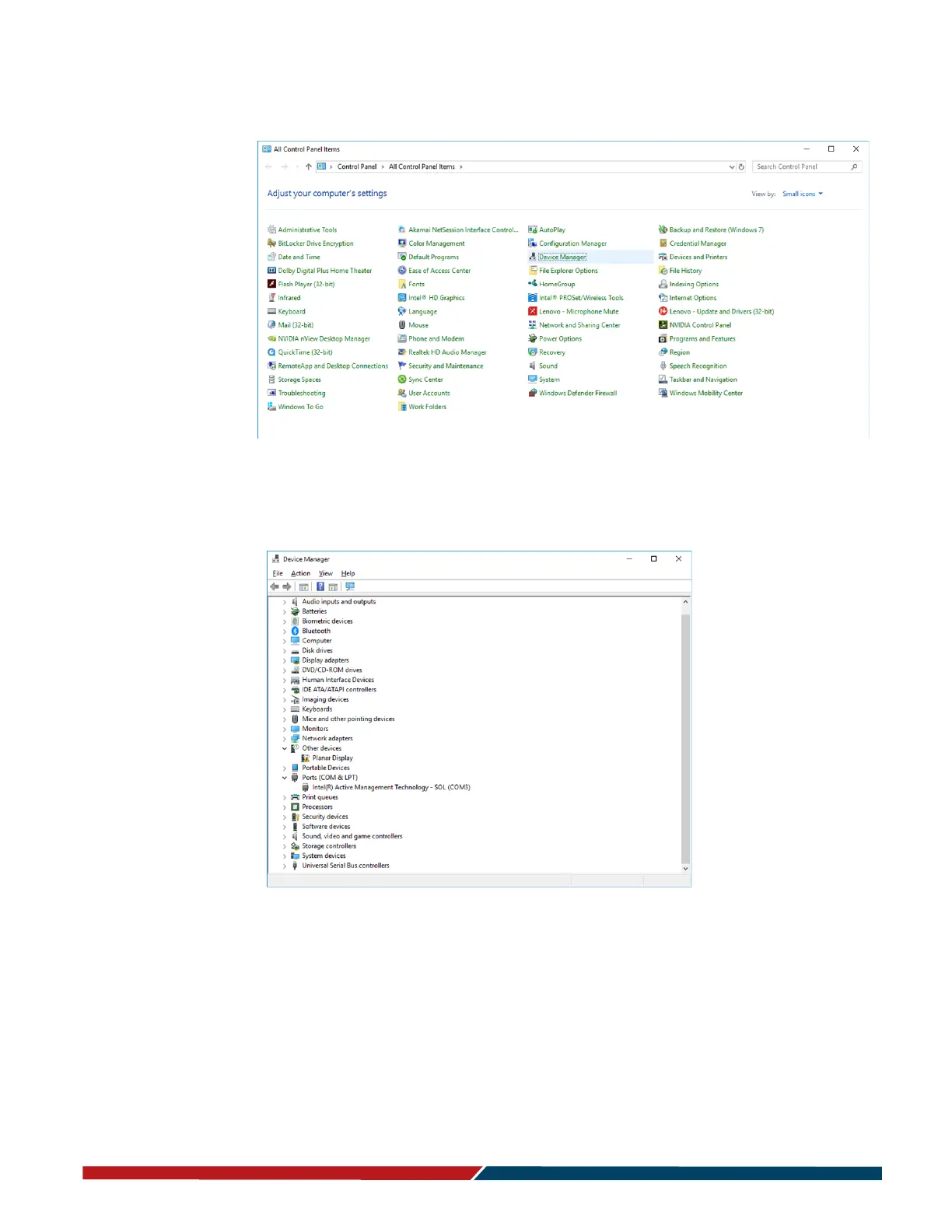
5 Open the Start menu and select “Control Panel”.
6 Select “Device Manager”.
7 In the Device Manager, there will be a “Planar Display” item in the “Other Devices”
section. Right-click on Planar Display and select “Update Driver Software”.



 To Next Page