73 74
Mini100/Mini2
Mini100/Mini2
● 5-1-b Using IPX Protocol to Print
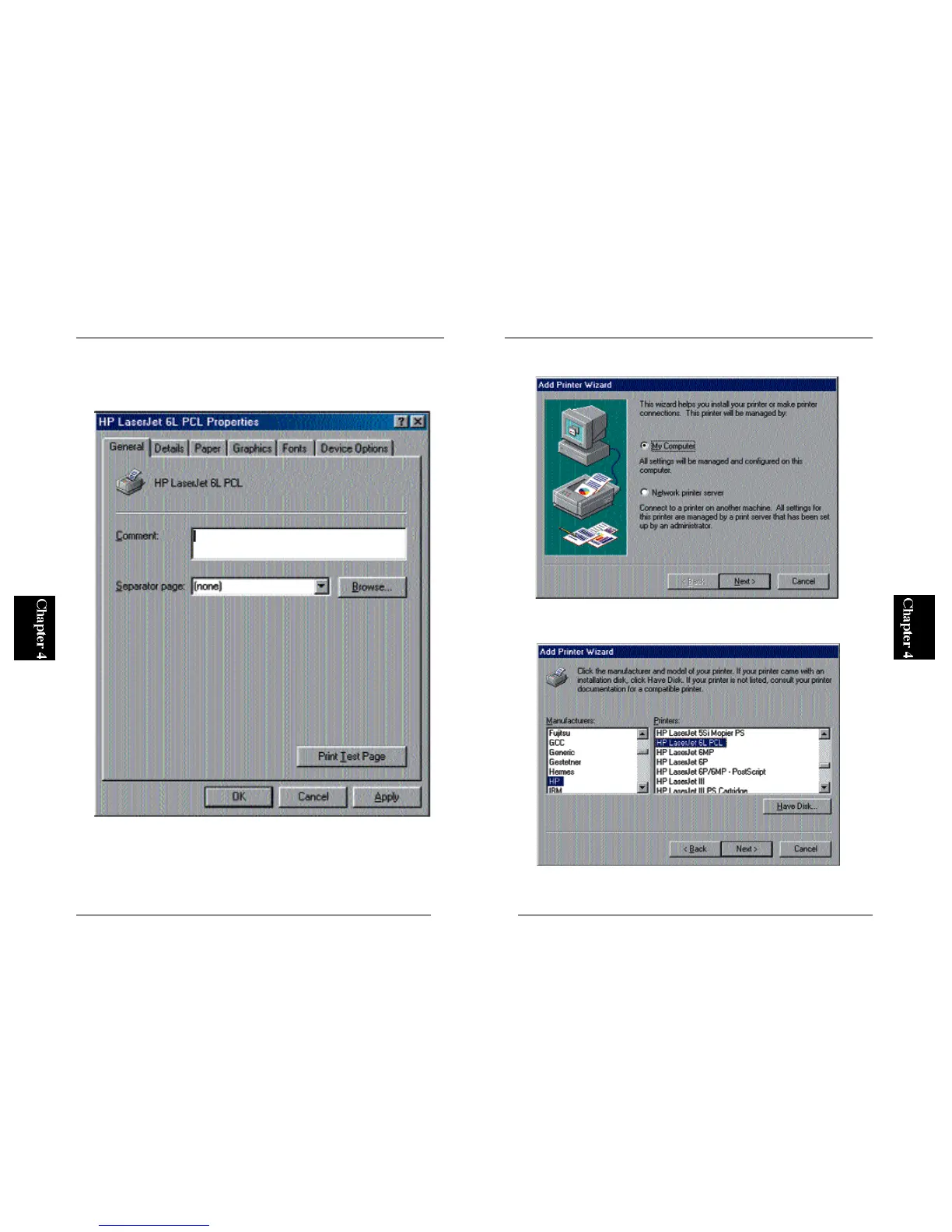
1. From the Start button, select Settings and then Printers. Double-click on
the Add Printer icon and click on the Next button.
2. Select “Local Printer” and click on the Next button.
3. Refer to the user’s guide of your printer, and select the manufacturer and
printer name in the two lists.



 To Next Page