75 76
Mini100/Mini2
Mini100/Mini2
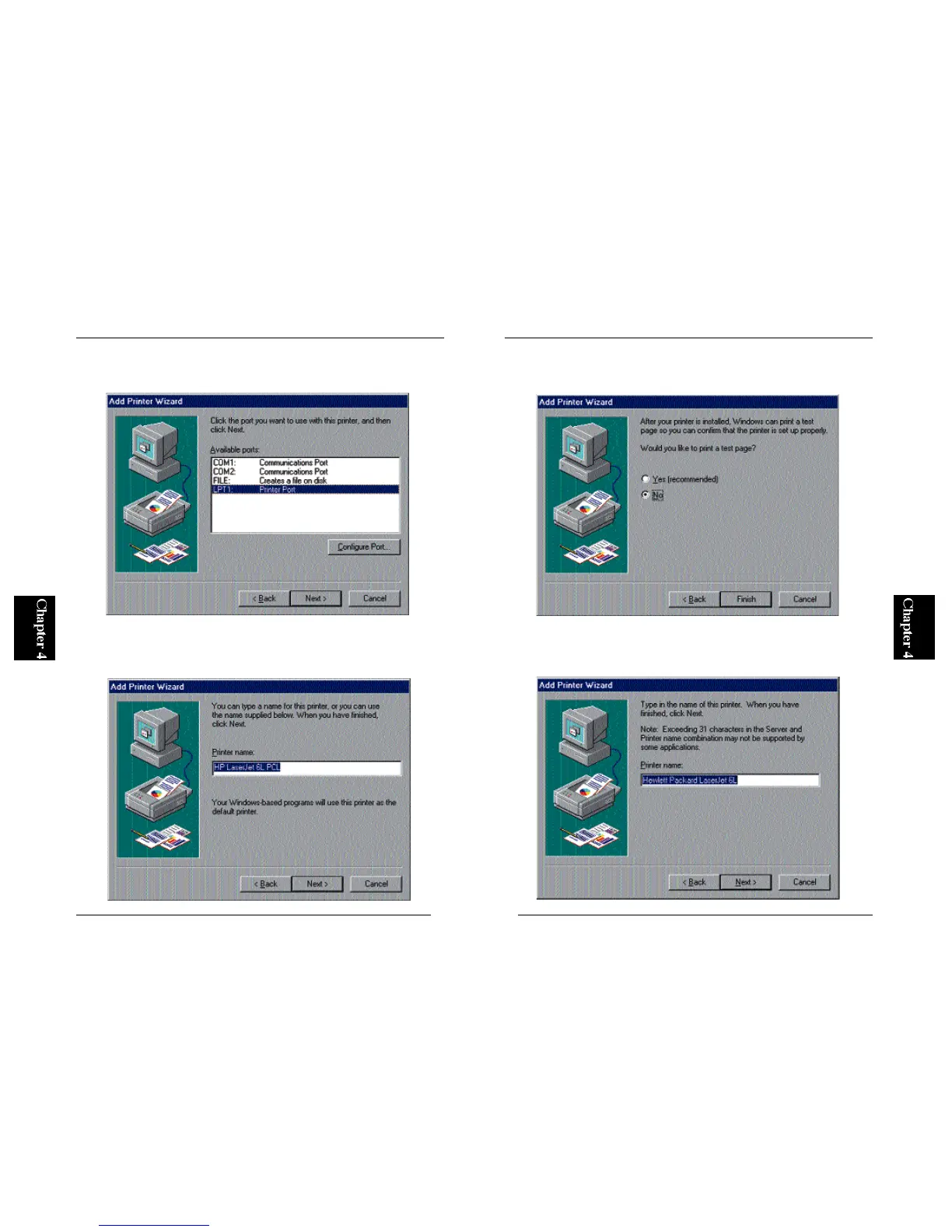
4. In the “Available Ports” field, select “LPT1:” and click on the Next
button.
5. You can define a name for your printer. If the default printer name is
okay, simply click on the Next button. Otherwise, enter a desired printer
name and click Next.
6. The wizard will ask you whether you wish to print a test page. Select
“No” and click on the Finish button.
7. N o w, the name of your printer should be visible in the Printers folder.
Move your mouse cursor to this printer name (icon), and click the right
button of the mouse. Select Properties and then click on the Details tab.



 To Next Page