95 96
Mini100/Mini2
Mini100/Mini2
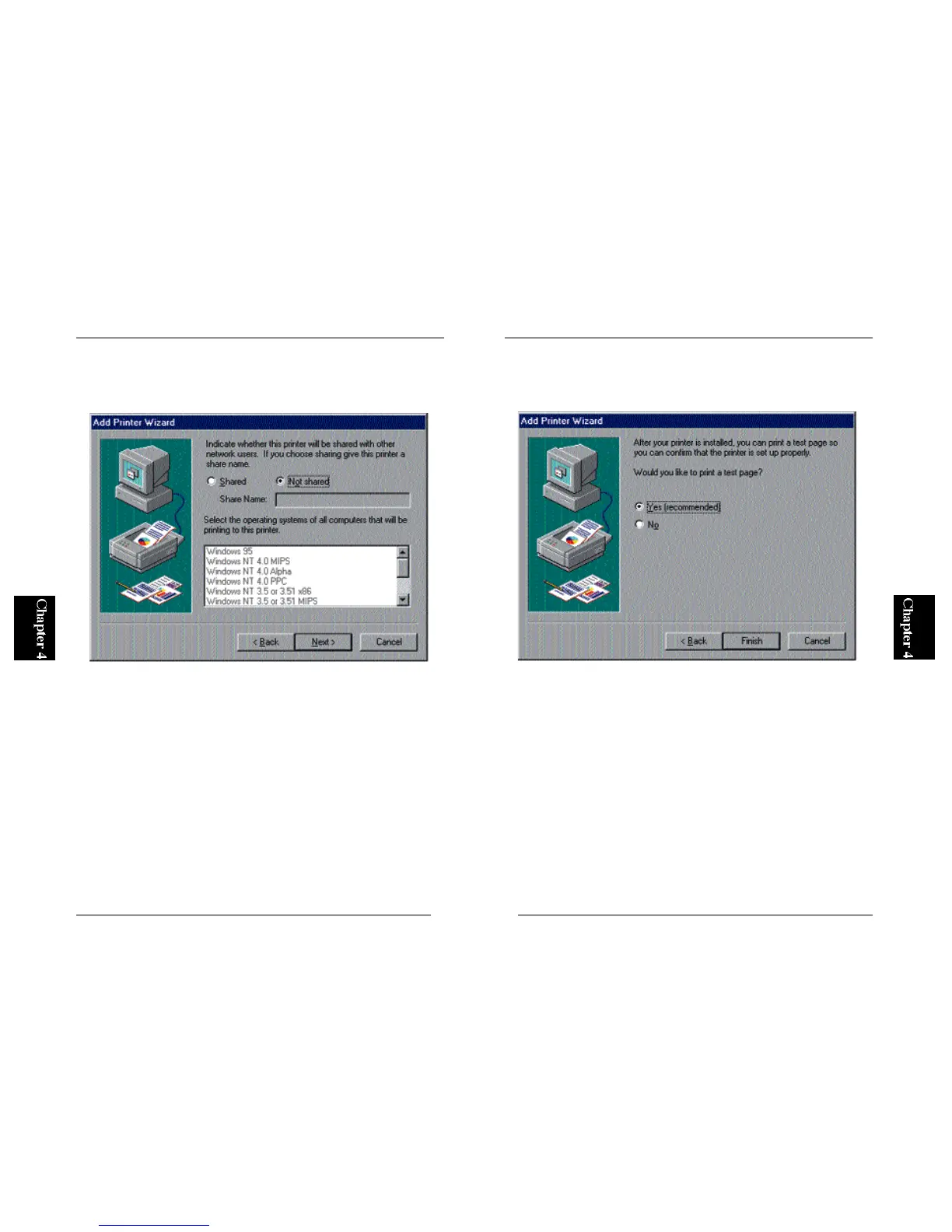
8. The next window asks you whether you wish to share the driver in your
network. If you do not wish to share the driver, simply click on the Next
button.
9. The wizard will ask you whether you wish to print a test page. Select
“Yes” and click on the Finish button. The configuration of your printer is
complete if the test page is printed properly.
※ If the test page does not come out properly, refer to Appendix A for
troubleshooting information.



 To Next Page