126
Mini100/Mini2
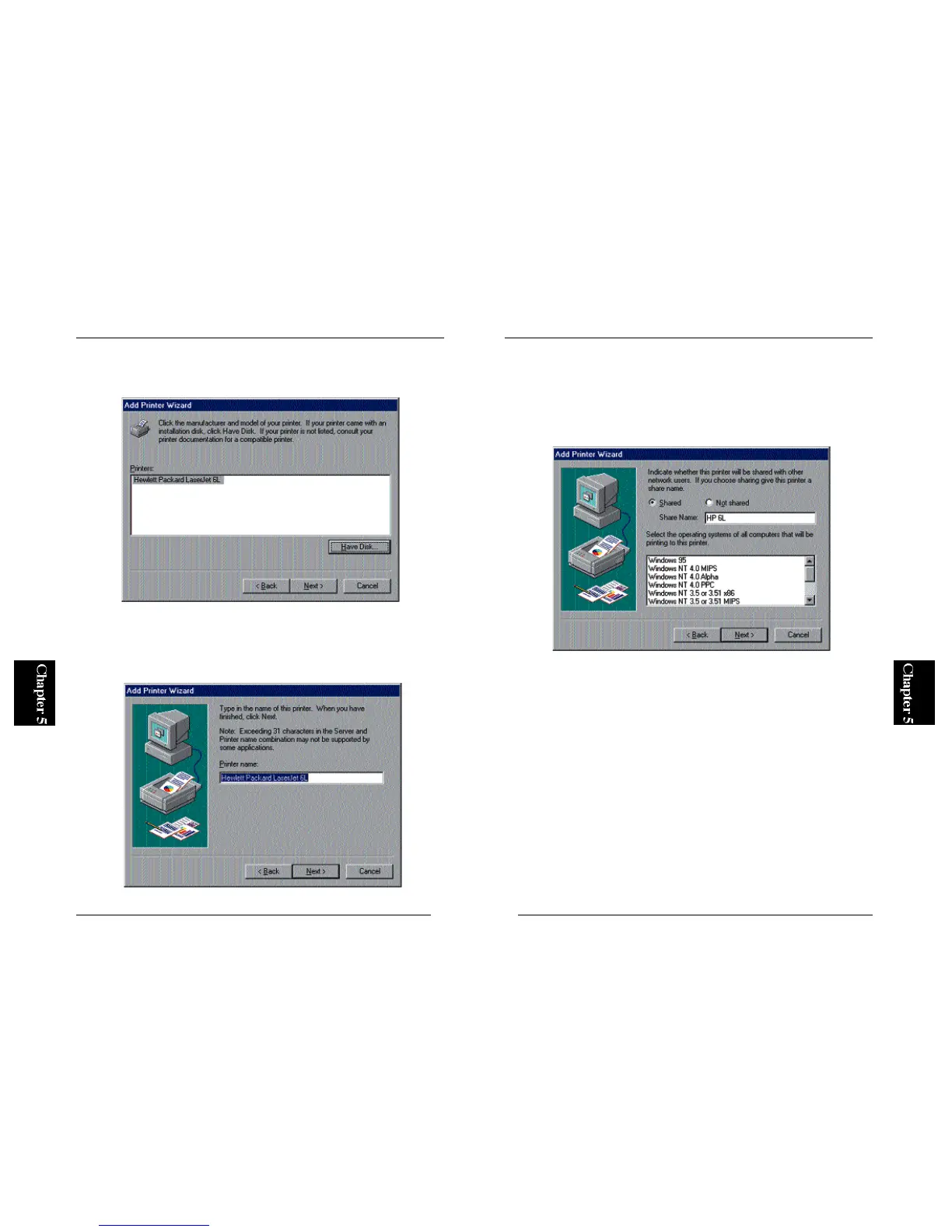
8. The next window asks you whether you wish to share the driver in your
network. Select the “Share” option, and enter a Shared Name in the same
field. Since your client PCs will recognize the print server by this name,
it is recommended to assign a name that indicates the name of your
printer. Click on the Next button.
125
Mini100/Mini2
6. Refer to the user’s manual of your printer and select the manufacturer and
printer in the two lists.
7. You can define a name for your printer. If the default printer name is
okay, simply click on the Next button. Otherwise, enter a desired printer
name and click Next.



 To Next Page