PROGRAMMING THE EXPOSURE VALUES
42 Planmeca Intra X-ray Unit
User’s Manual
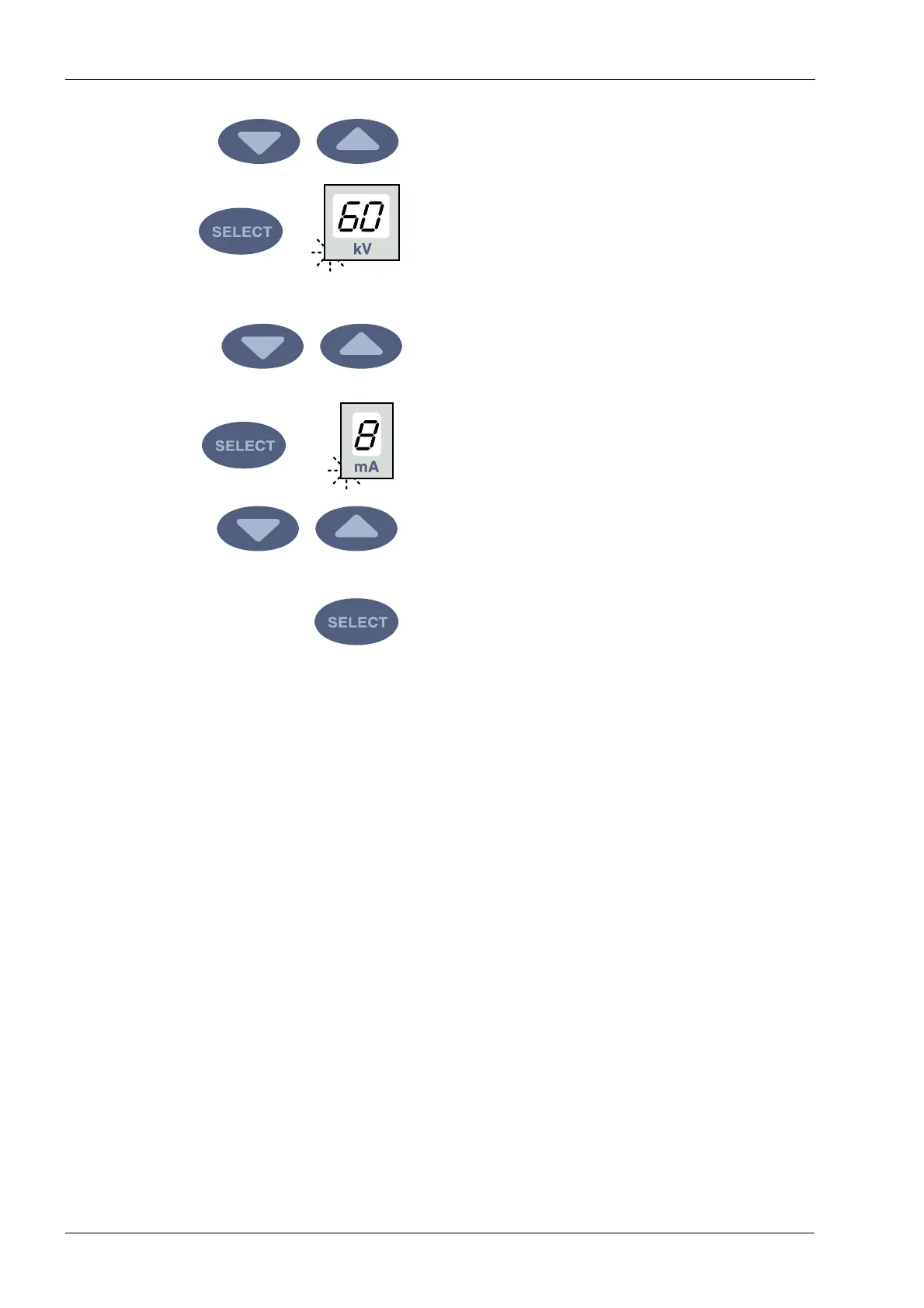
The exposure time value is changed with the parameter
adjustment keys.
Press the SELECT key briefly, the kV display will start to
flash and the exposure time value is stored in the
memory.
The kV value can now be changed with the parameter
adjustment keys.
Press the SELECT key again briefly, the mA display will
start to flash and the kV value is stored in the memory.
The mA value can now be changed with the parameter
adjustment keys.
You can now select a new exposure region or exit the
programming mode by pressing and holding down the
SELECT key (about 4 seconds). You will hear a signal
tone.
NOTE If you interrupt programming for over 45 seconds, the
unit automatically exits the programming mode, and
the current values will be stored in the memory.












 To Next Page