mode operation.
∎ Do not use paper pouches or sterilization wraps containing cellulose or cotton.
∎ Do not use any wraps or packaging that are not approved by Plasmapp Co., Ltd. or
materials on the "Items not to be processed" section.
∎ Arrange the items in a tray to ensure proper diffusion of hydrogen peroxide
throughout the load.
∎ Place peel pouches on edge, if possible. Arrange them so that the transparent side
of a pouch faces the opaque side of the next pouch. Do not stack pouches on top of
each other.
∎ Do not stack instruments inside the trays. Do not stack trays. Do not stack trays
within trays. Do not wrap instruments within a wrapped tray.
∎ Do not stack instruments inside the containers. Do not stack containers. Do not
stack containers within containers. Do not wrap instruments within the containers.
∎ Place chemical indicator strips inside trays and pouches as needed.
4.6.4. Loading
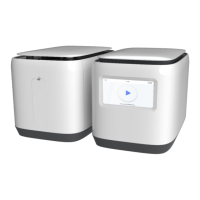
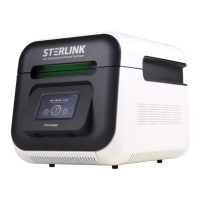
The cassette should be precisely installed onto the loading block of the STERLINK
®
FPS-15s Plus sterilizer. For the CHAMBER mode operation, the packaged devices are
recommended to be loaded inside the chamber after loading the cassette
(STERLOAD
®
) for your convenience.
WARNING! DO NOT USE IF PACKAGING IS DAMAGED.
Do not use if the package has been damaged or has not been properly sealed.
If the sealing is not perfect, it’s difficult to have confidence of asepsis, and the
sterilization process can be cancelled.
CAUTION! INSERT CI (CHEMICAL INDICATOR).
Insert the CI in the packaging together with the product. After the sterilization
cycle is completed, you can check if the product is working properly and the CI
color has been changed properly.


 To Next Page