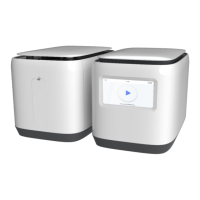
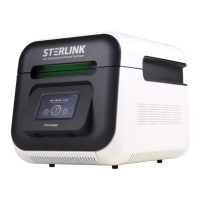
8.1.2. Replacing label-printer paper
When the label-printer roll is empty, the roll is required to be replaced manually as
following.
1. Holding the body push the top of the front cover to disengage the front cover to reveal
the label-printer roll.
2. Remove by pulling out the roll.
3. Insert new label-printer roll and close the front cover.
8.1.3. Routine sterilizer maintenance
The usage level of each registered sterilizer will be indicated in the user registered ITS
TM
system. When the usage level suggests for sterilizer maintenance, please contact your
local Plasmapp customer support representative.
8.2. Sterilant cassettes
Hydrogen peroxide (Chemical Formula: H
2
O
2
) in the cassettes of STERPACK
®
, STERPACK
®
Plus and STERLOAD
®
is designated as dangerous and hazardous waste by American
Environment Protection Association and shall be disposed in accordance with the local
regulation. (US waste disposal regulation: U.S. EPA 40 CFR 262.). The cassettes are NOT
medical devices and should be purchased separately from STERLINK
®
.
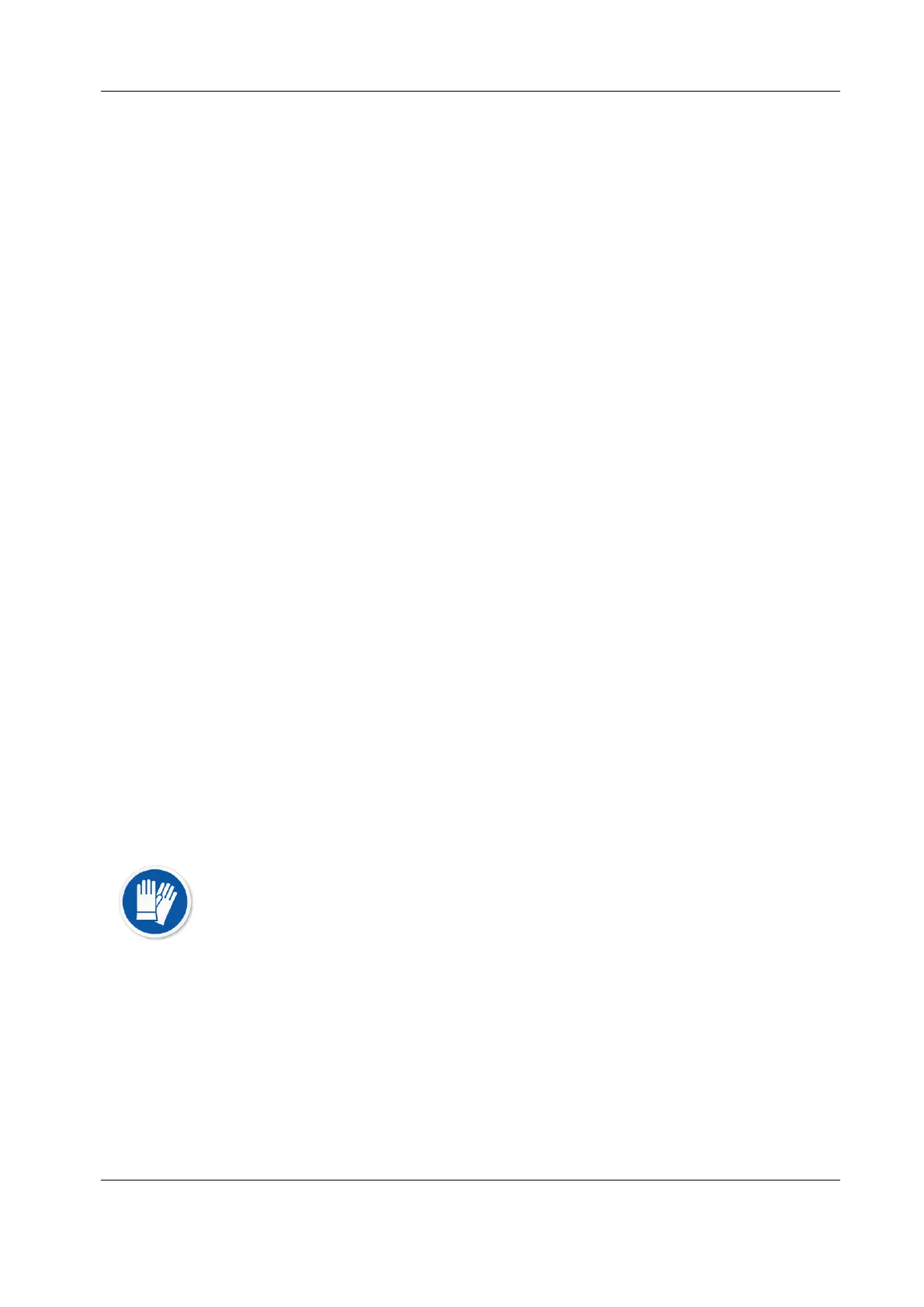
CAUTION! HYDROGEN PEROXIDE MAY BE PRESENT.
If a cycle cancels and the items in the load appear wet, hydrogen peroxide
may be present. Wear latex, PVC (vinyl), or nitrile gloves while removing the
items from the chamber and wiping off the items with a damp cloth.


 To Next Page