!
+'! HE)QQ7!?O73/A!')!B<5RO<5)!<2R!;263<EE<37. 2 ! S07R)! !
X5)<3)!@)3O.5W6!
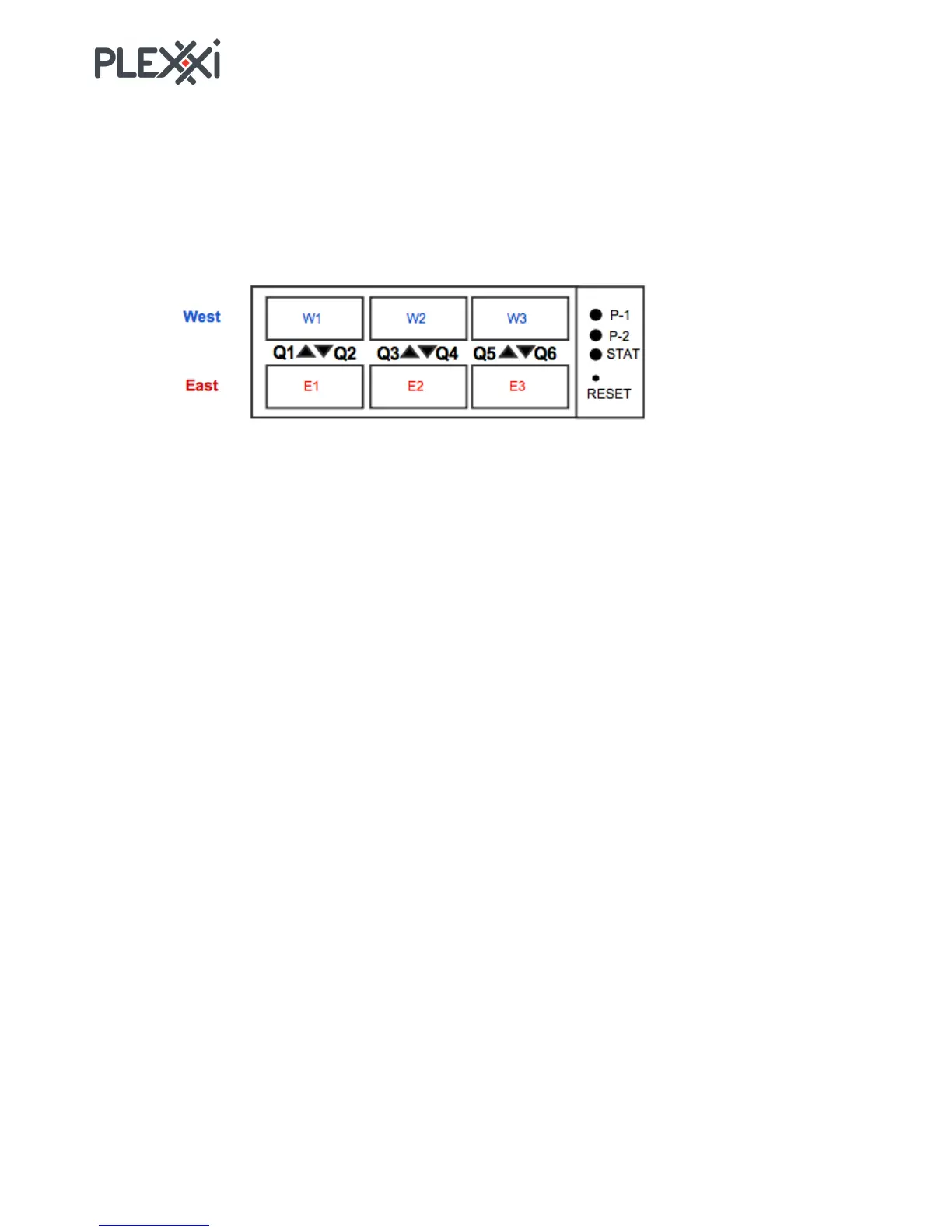
You make connections using the six QSFP ports that are located at the right side of I/O end of the switch.
You connect these ports to a PSI Interconnect or to QSFP ports on another Switch 2e for a direct connect
network.
_?[H!H.53!-7<T5<1!
In the diagram, the QSFP ports include a label indicating direction (W1 through W3 and E1 through E3).
These labels are for informational purpose and are not found on the Plexxi Switch 2e chassis.



 To Next Page