!
+&! Plexxi Switch 2e Hardware and Installation Guide! !
HE)QQ7!H?;!;23)5/.22)/3!@)3O.5W!
You can create a network of six switches or more (four switch minimum) by connecting Plexxi 2e
switches to a Plexxi PSI Interconnect device.
HE)QQ7!H?;!;23)5/.22)/3!
Plexxi’s Pod Switch Interconnect (PSI) is a passive optical switch that uses Plexxi’s optical LightRail
interface to connect some of Plexxi Switch 2 models 2p, 2sp, and 2e into a meshed network.
^<W)!3A)!X.22)/37.26!
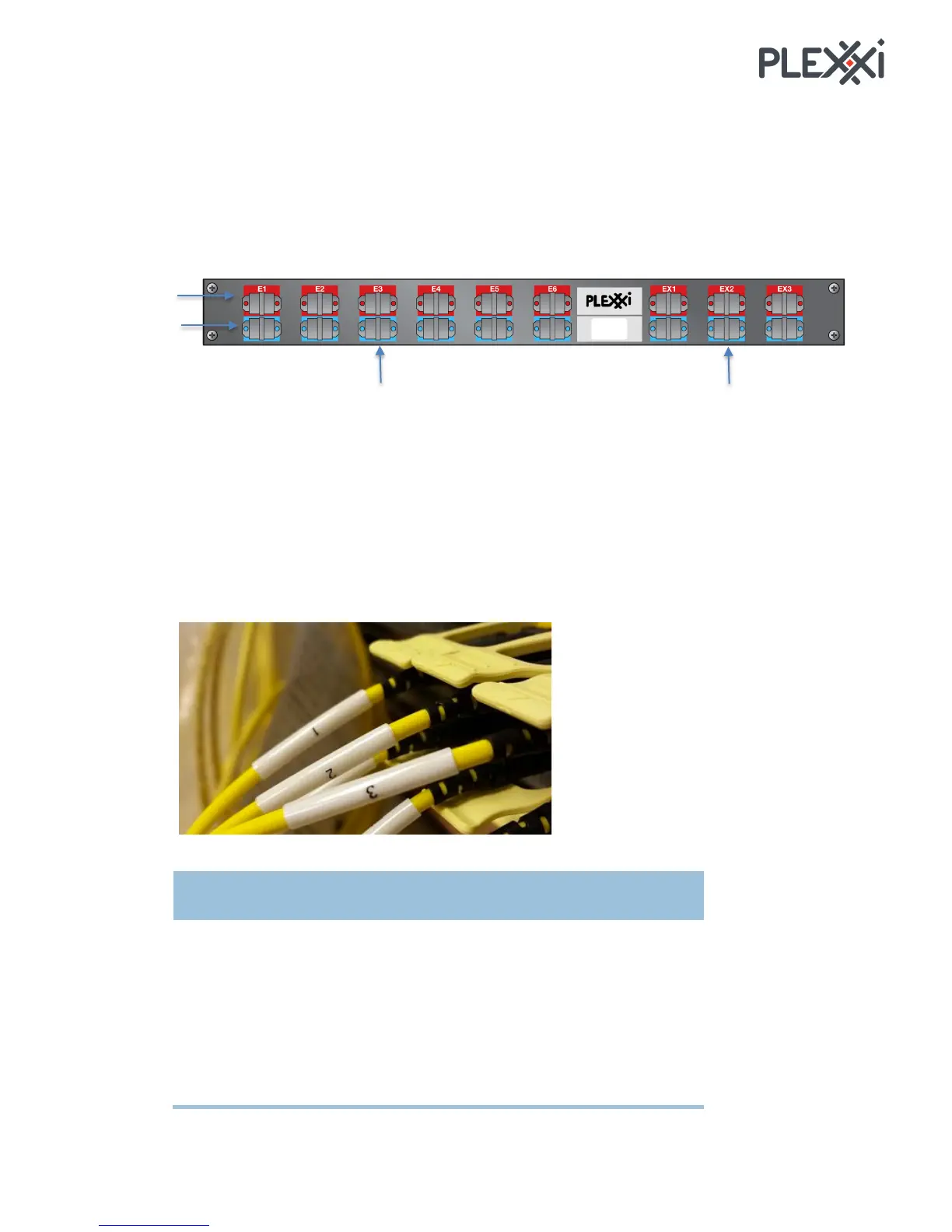
You connect Plexxi PSI Interconnect LightRail ports to the Plexxi Switch 2e QSFP ports following the
West-to-East convention. You plug the 24-fiber connector into the Plexxi PSI Interconnect port and the
12-fiber side of the MTP connector to the QSFP ports on Plexxi Switch 2e.
You need to match the label number (1, 2, and 3) on the 12-fiber side of the MTP connectors with a
specific port number on Plexxi Switch 2e. You connect to the appropriate QSFP port in the direction,
West or East, that you need.



 To Next Page