!
'&! Plexxi Switch 2e Hardware and Installation Guide! !
?D\D!IJ-!?3<3)6!
The STAT LED can flash fast, slow or display a solid color.
H.O)5!?0PPE>!IJ-!
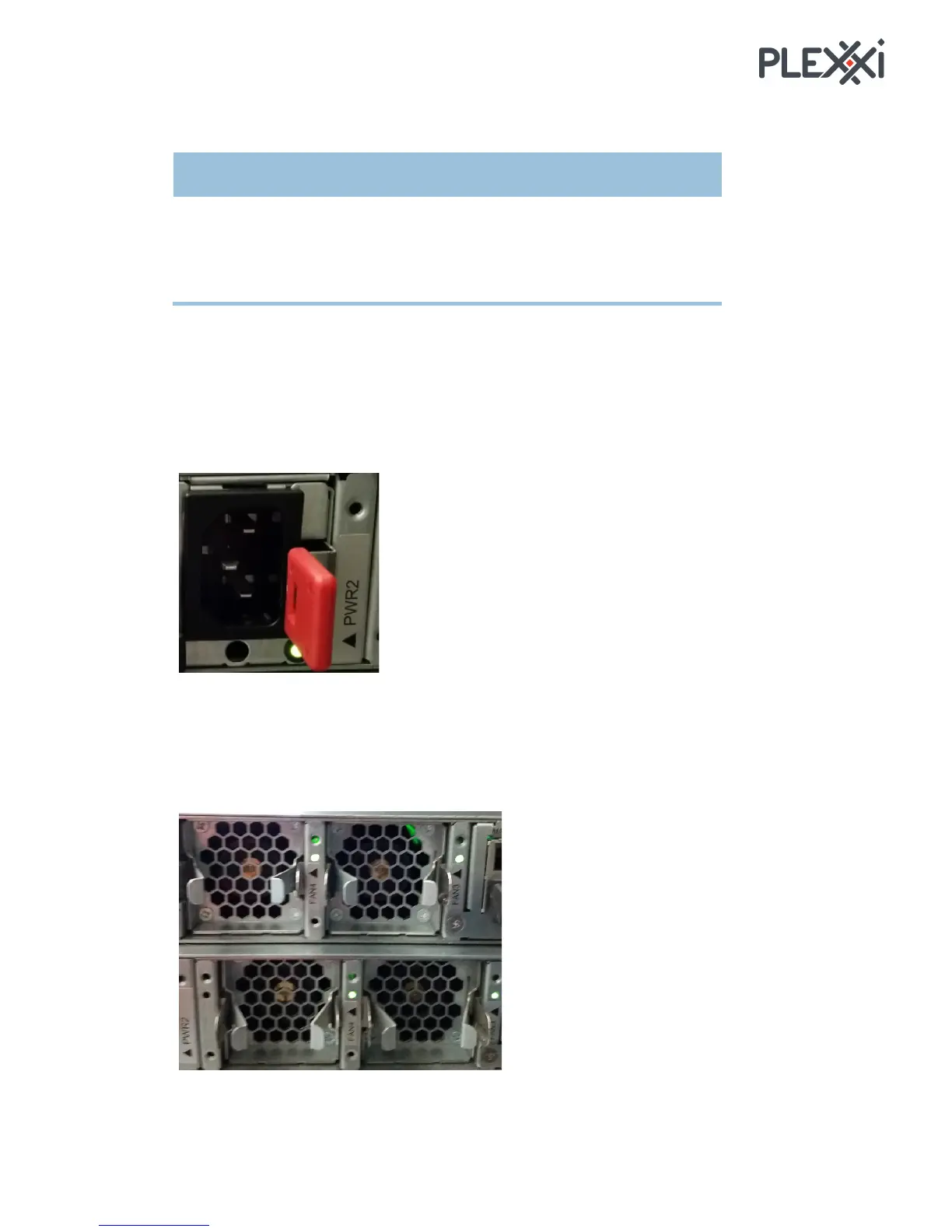
Each power supply has an LED in the lower left corner. When the LED is:
• steady: the power supply is plugged in
• flashing: there is no power at that power supply but there is power to the other supply
• off: no power to either power supply
[<2!IJ-!
Each fan has an LED located to its right. When the LED is:
• green: the fan is plugged in and running
• red: the fan is pulled or something is wrong
!



 To Next Page