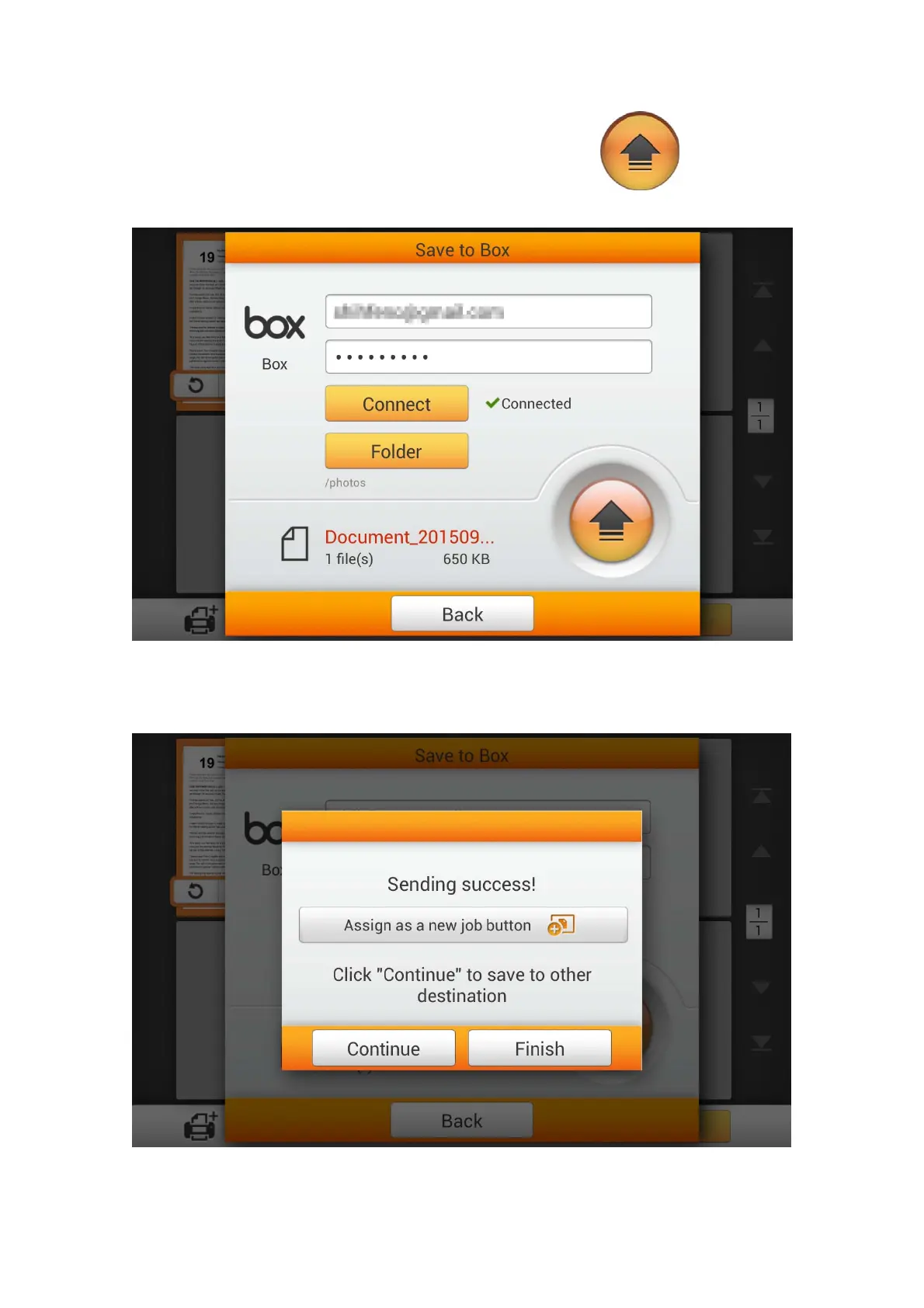
After successfully connecting to the cloud server, tap the button to save
the scanned document to the desired cloud server.
If you see the following dialog, the scanned document is successfully saved to the
desired cloud server. You may tap the Continue button to save the scanned document
to another destination, or tap the Finish button to complete the scanning procedure.
97















 To Next Page