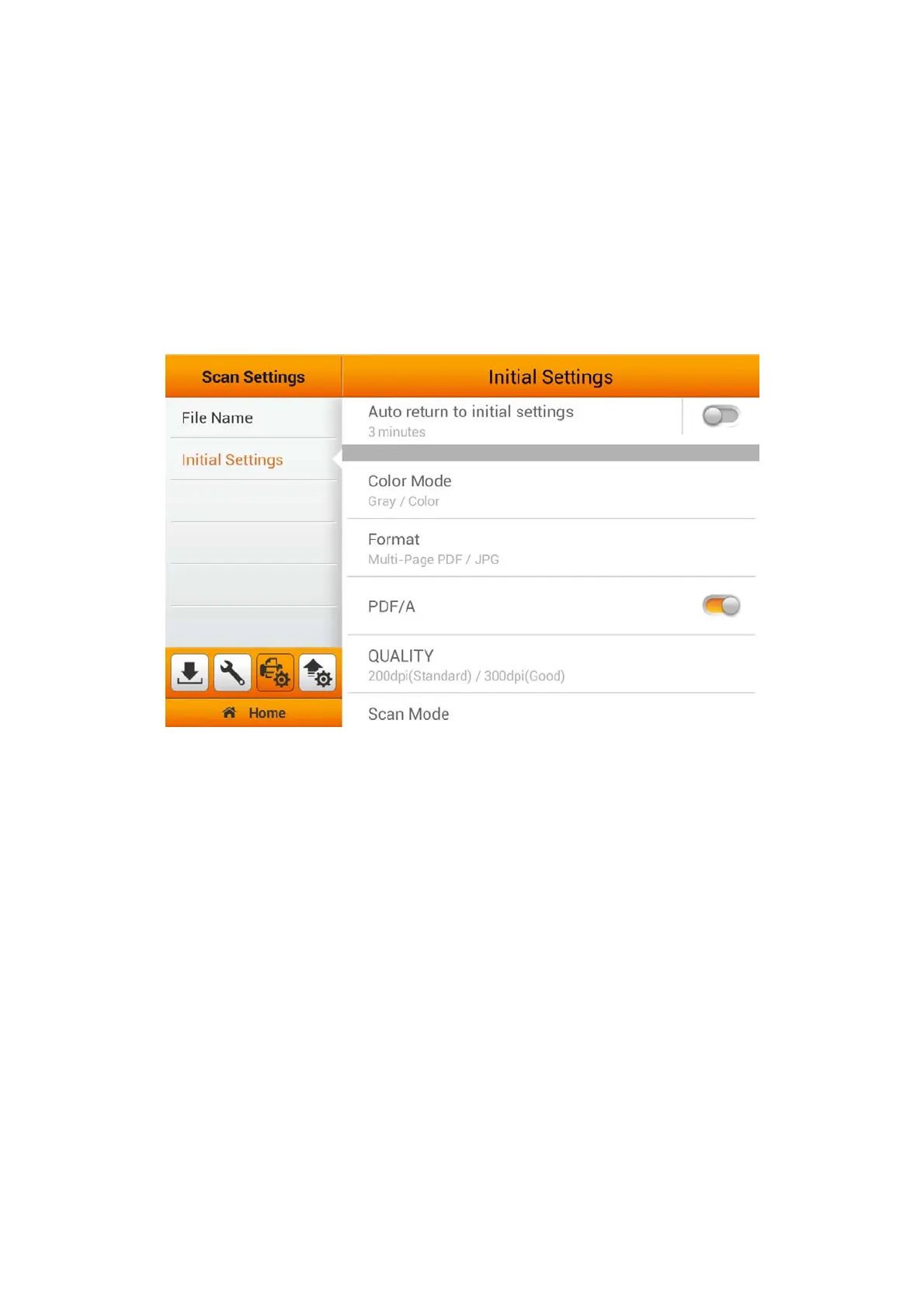
Initial Settings
You can modify the desired scan settings on this page. The setting here will be the
initial settings for the user scan interface as a shortcut key, on the Main Menu. Users
will have the option to select additional settings through the Advanced Settings.
(Please refer to the Advanced Settings section for more detail). If you activate the
Auto return to initial settings function and select the desired time period, every time
the scan process is completed, the system will return to these initial settings after the
preset time. Choose from the available time that best fit your needs. (1, 3, 5, 10, 20
minutes)
26















 To Next Page