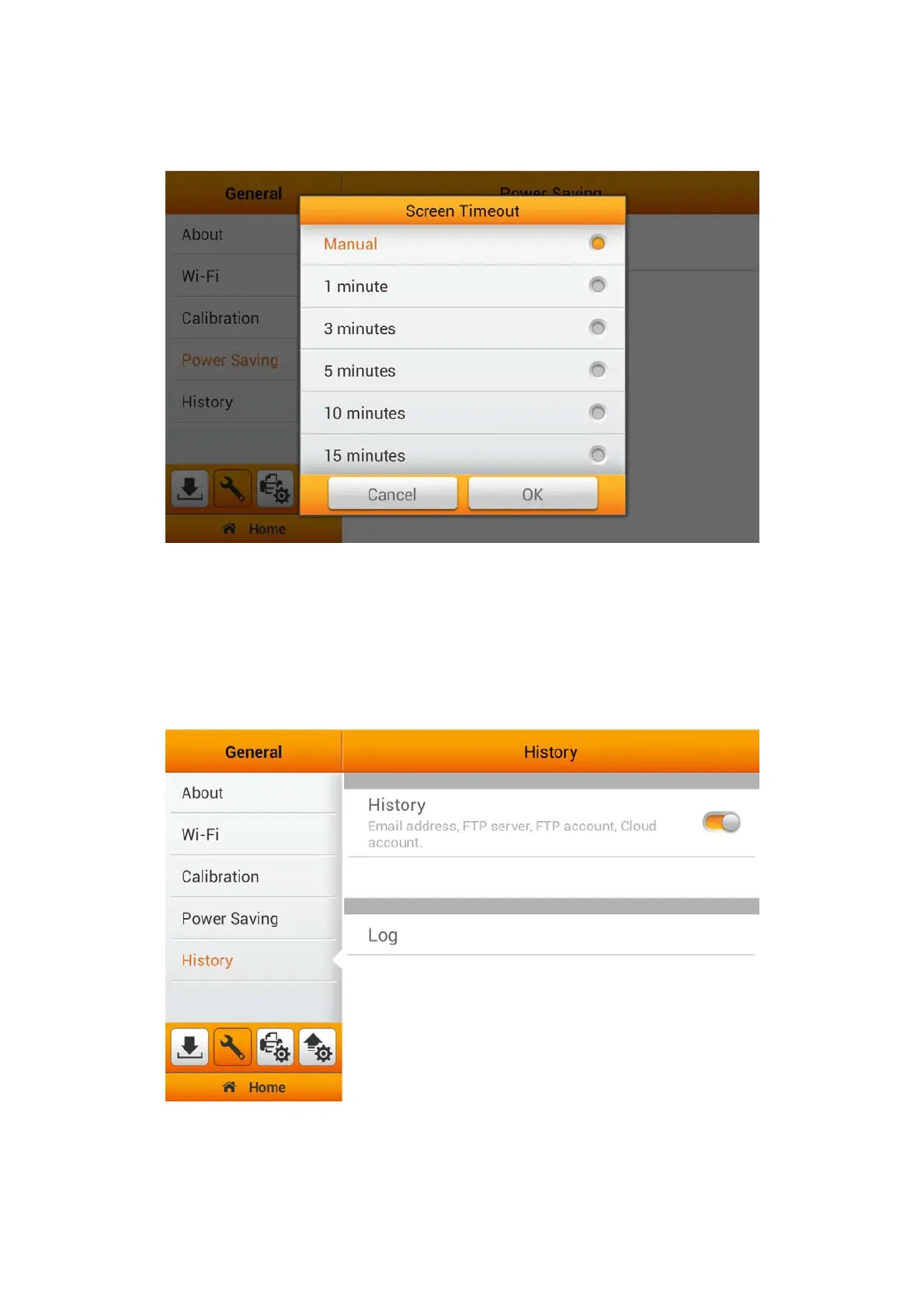
Tap on Screen Timeout to open the Screen Timeout dialog, select the desired
time period then tap the OK button to confirm the setting.
History (Autofill)
Enable/Disable History (Autofill) to set the device to stored the various account
information, such as, e-mail addresses, FTP server addresses, FTP user accounts and
cloud user accounts. Enabling it will allow the device to save your information every
time you fill out, so the next time, you'll see a drop-down list of options to choose from.
(Autofill is not available for password fields)
21















 To Next Page