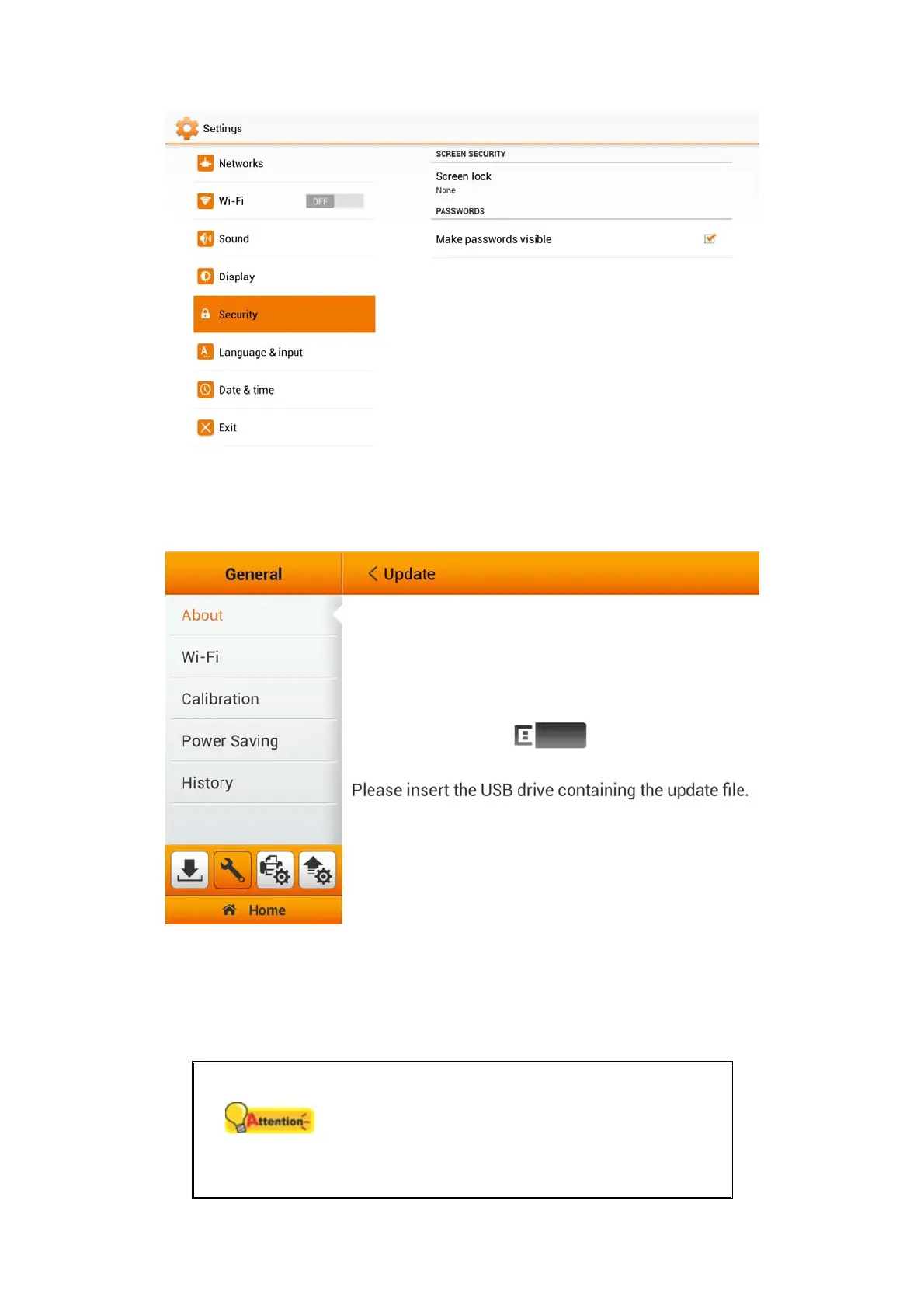
Tap on Update to update the driver version. Please insert the USB drive containing
the update file. Tap the USB drive icon to start the update process.
Wi-Fi
You can activate the Wi-Fi function on this page. Select the desired Wi-Fi provider
and enter the password if necessary.
Attention
Due to the various possible devices connected to
the eScan on the same Wi-Fi services, eScan
will NOT automatically connect to a different Wi-
Fi shall it become disconnected. You must
manually change connection settings if need it.
18















 To Next Page