S
S
e
e
n
n
d
d
i
i
n
n
g
g
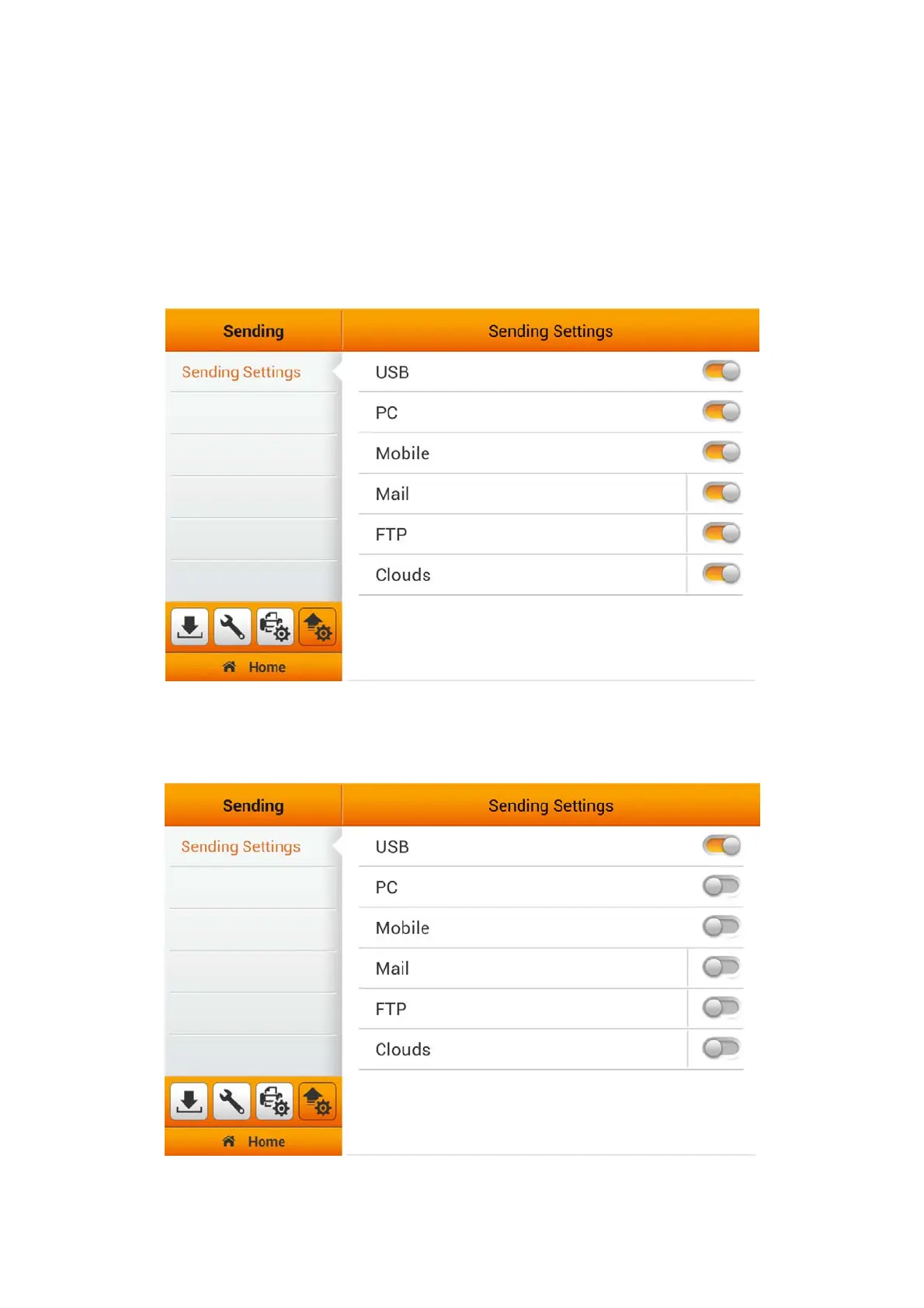
The Sending section includes the following item: Sending Settings, Custom App
(Optional) and Clear All Settings.
Sending Settings
You can activate the desired sending destinations. Available options are: USB, PC,
Mobile, Mail, FTP, and Clouds.
USB
Switch on the USB function to enable sending the scanned file to the USB flash
drive.
40















 To Next Page