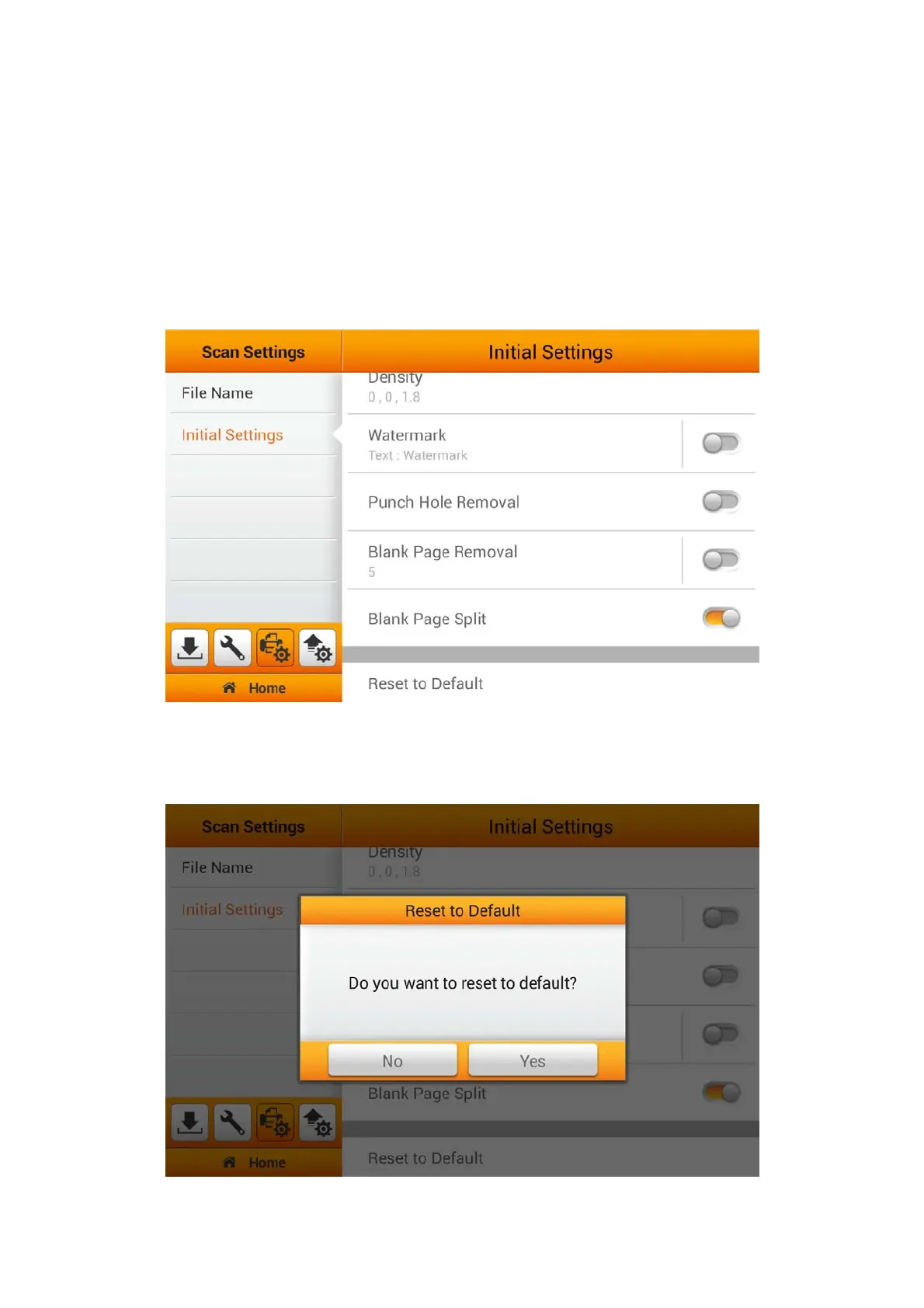
Blank Page Split
You can activate the Blank Page Split function. Switch on this function to split the
scanned documents by inserting a blank page in between the files.
This function can
only be used with the Multi-Page PDF and Multi-Page TIFF formats. Enable Blank
Page Split under the Initial Settings will allow you to easily Reset to Default under
the Advanced Settings from the Main Menu. To Enable/Disable 'Blank Page Split',
you must enable the 'Blank Page Split' function under the 'Advanced Settings'
from the Main Menu.
Reset to Default
Tap on Reset to Default to reset the scan settings to default factory settings. The
following dialog opens to confirm the action.
39















 To Next Page